Tips for Color Printing
A-7
R4C428_V2
long.bk Rev_C
A5 size COLOR.FM
1/14/00 Pass 2
R
Proof Sign-off:
tantoname _______
leadername _______
editorname _______
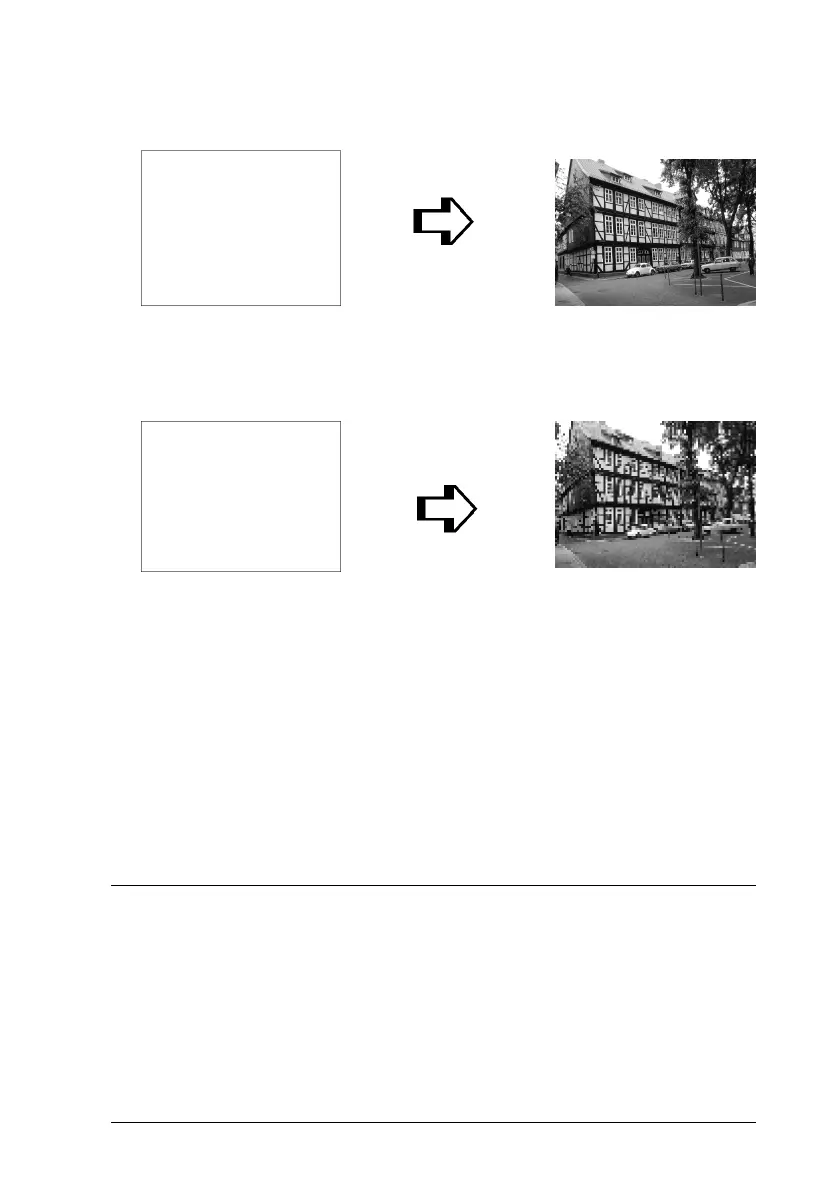
Since increasing the image size means decreasing the image
resolution, you must take care that print quality or color tone is
not degraded when working with images pasted into documents
created with word processing software. To avoid print quality
and color tone problems, change the size and the resolution of the
image in your graphics application before pasting it into your
document.
Guidelines for Using Color
To help you use color to maximize your document’s impact on its
readers, determine the who, what, when, where, why, and how
of color printing.
400 pixel
100 pixel
300 dpi
75 dpi
Print
Print
292 pixel
72 pixel



 To Next Page