Scanner
8-5
R4C428_V2
long.bk Rev_C
A5 size SCAN.FM
1/14/00 Pass 2
R
Proof Sign-off:
tantoname _______
leadername _______
editorname _______
Scanning Basics
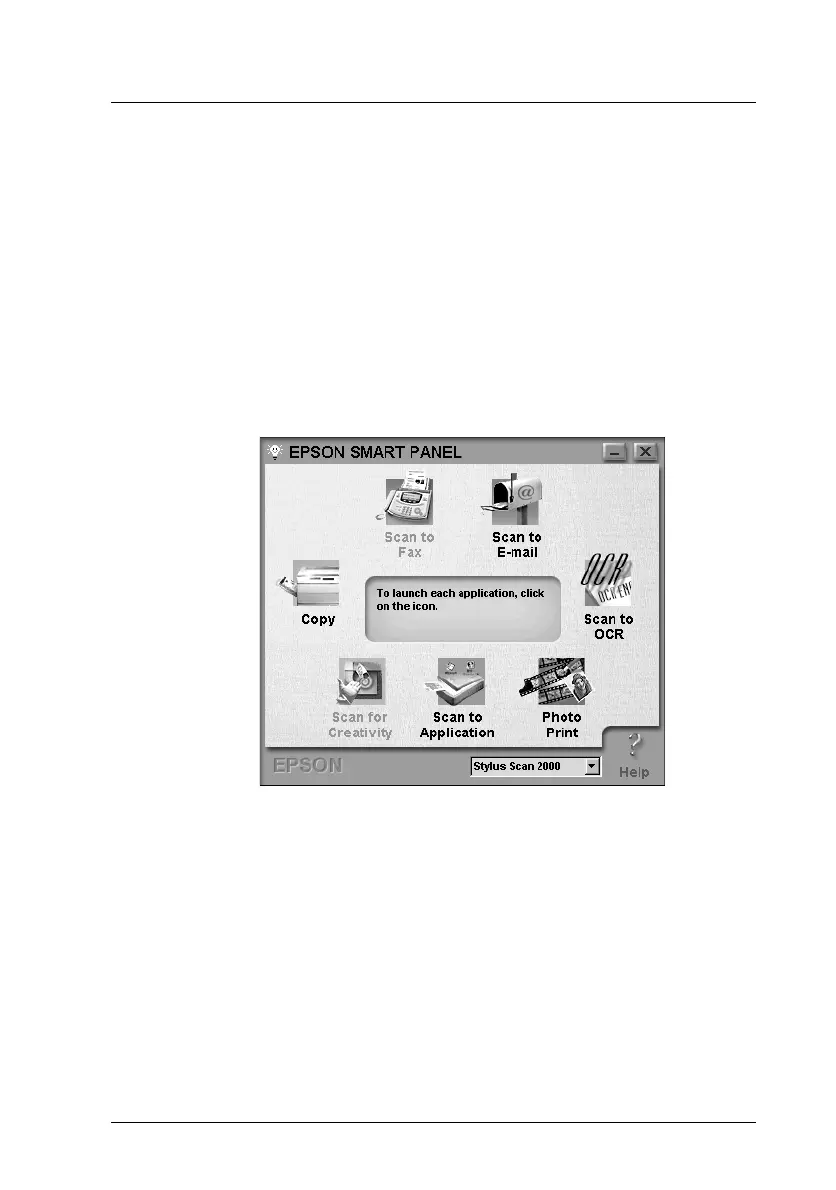
Using EPSON SMART PANEL
You can digitize your photos and documents quickly and easily
using EPSON SMART PANEL. When you install the EPSON
Stylus Scan drivers, EPSON SMART PANEL is installed as well.
To run the program, first restart your computer. In Windows,
click the SMART PANEL icon in your task bar. With Macintosh
computers, select EPSON SMART PANEL from the Apple Menu.
For details, see your SMART PANEL documentation.
Note:
Picture shows the Windows version.



 To Next Page