Checking Printer Status and Managing Print Jobs for Windows
5-5
R4C428_V2
long.bk Rev_C
A5 size STATW.FM
1/14/00 Pass 2
R
Proof Sign-off:
tantoname _______
leadername _______
editorname _______
❏
Open the printer driver, click the
Utility
tab, then click
EPSON
Status Monitor 3
.
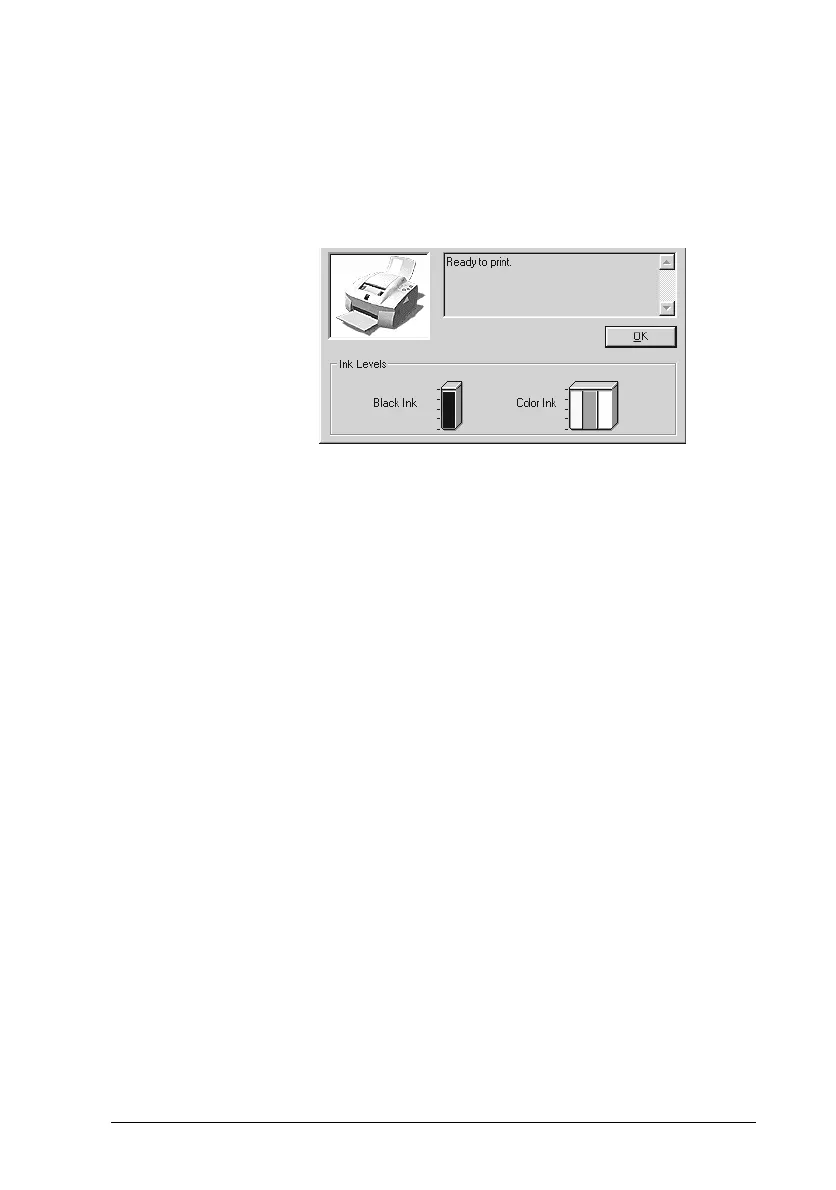
When you access EPSON Status Monitor 3, the following window
appears.
Viewing information in EPSON Status Monitor 3
EPSON Status Monitor 3 provides the following information:
❏
Current Status:
EPSON Status Monitor 3 provides you with detailed printer
status information, a graphic display, and status messages. If
the ink runs low or out, the
How to
button appears in the
EPSON Status Monitor 3 window. Clicking
How to
displays
cartridge replacement instructions and moves the print head
to the cartridge replacement position.
❏
Ink Levels:
EPSON Status Monitor 3 provides a graphic display of the
amount of ink remaining.



 To Next Page