Using the Printer Software for Windows
4-29
R4C428_V2
long.bk Rev_C
A5 size SOFTW.FM
1/14/00 Pass 2
R
Proof Sign-off:
tantoname _______
leadername _______
editorname _______
Using the High Speed Copies feature
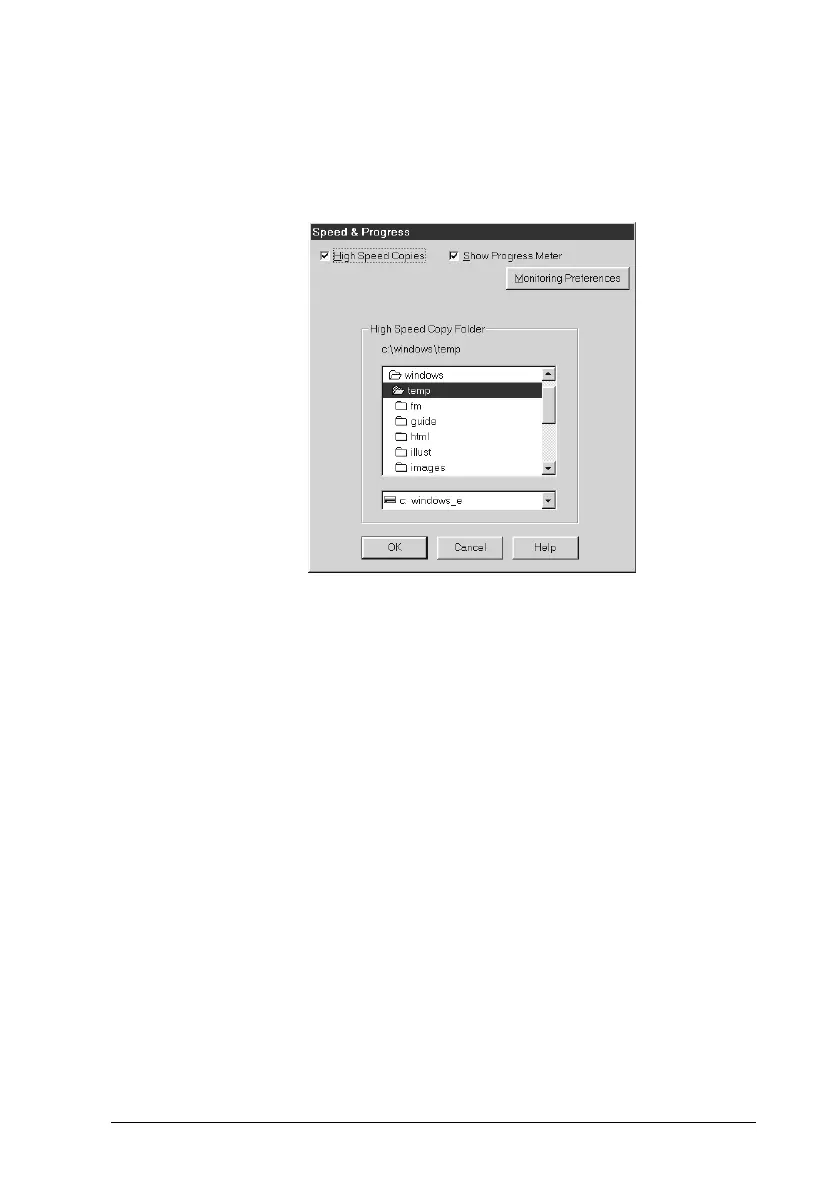
To make this setting, click the
Speed & Progress
button on your
printer driver’s Utility menu. The following dialog box appears.
Select the
High Speed Copies
to turn on high-speed printing for
multiple copies. This speeds up printing by using your hard disk
space as a cache when printing multiple copies of your document.



 To Next Page