9-6
Copying
R4C428_V2
long.bk Rev_C
A5 size COPY.FM
1/14/00 Pass 2
L
Proof Sign-off:
tantoname _______
leadername _______
editorname _______
Making other basic settings
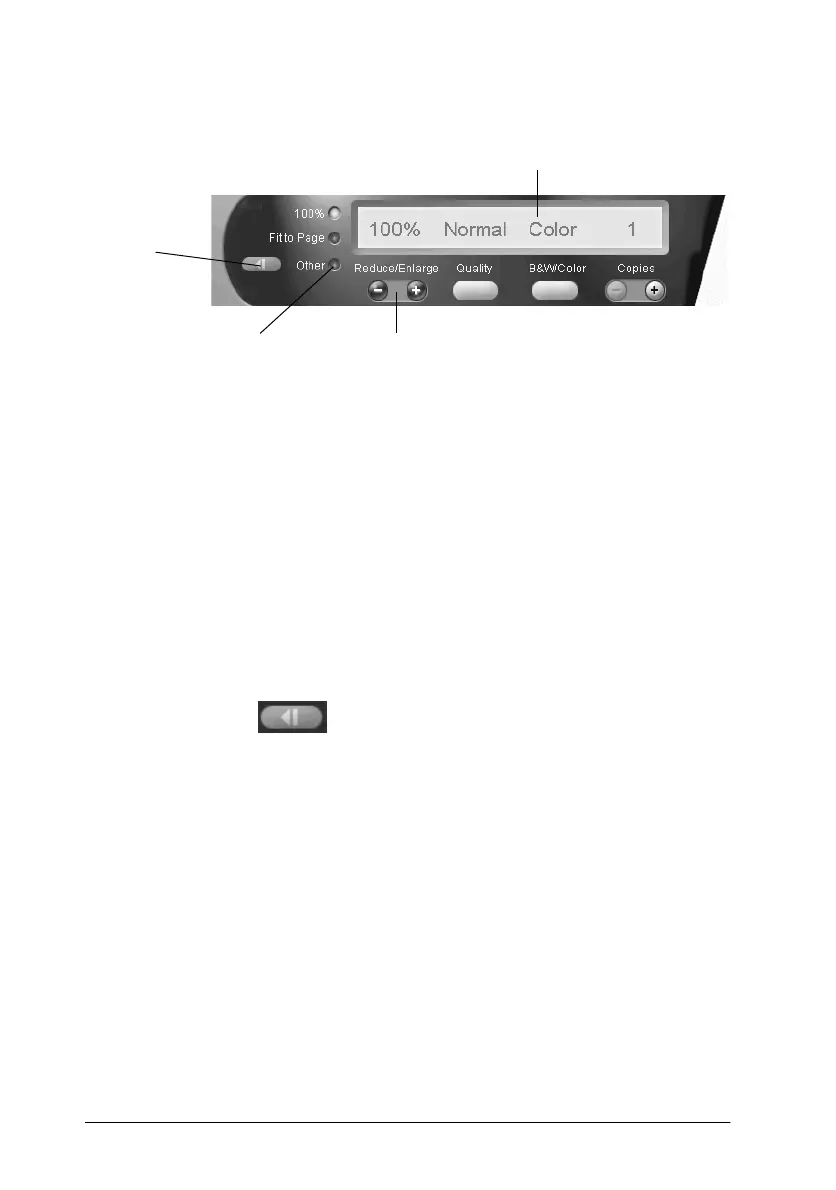
Reduce/Enlarge
Make one of the following settings to adjust the size of the copy:
❏
Select
100%
to make a copy that is the same size as your
document.
❏
Select
Fit to Page
to automatically resize the image to match
the size of your paper size setting.
❏
Select
Other
, then click the
"+"
or
"-"
button to adjust the
setting to set an arbitrary size.
❏
Click the scaling button to open a dialog box where
you can adjust the size.
Quality
Click this button to specify the print quality for your copy.
Normal: Print quality is lower, but print speed is higher.
Fine: Provides a high quality printout, but print speed is
lower.
scaling setting
Reduce/Enlarge
custom setting
displays current settings
scaling



 To Next Page