10-12
Replacing Ink Cartridges
R4C428_V2
long.bk Rev_C
A5 size INK.FM
1/14/00 Pass 2
L
Proof Sign-off:
tantoname _______
leadername _______
editorname _______
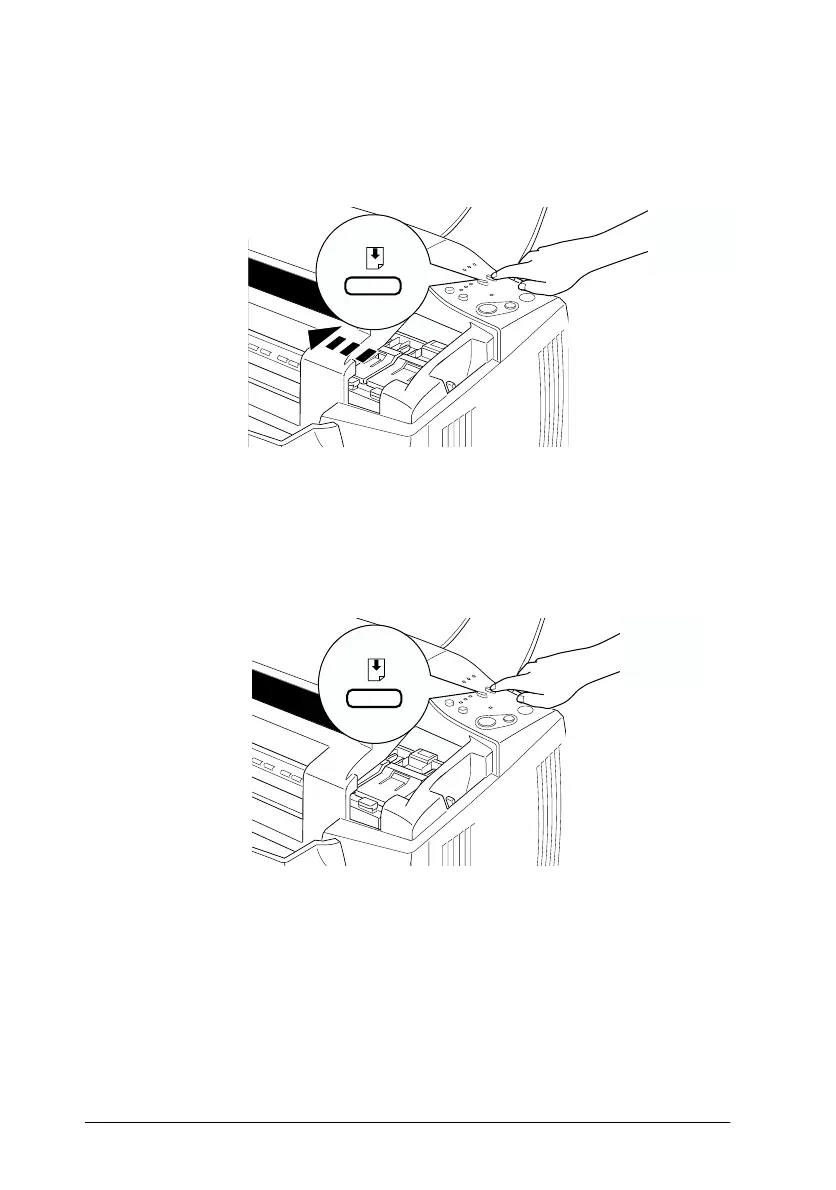
3. Hold down the
E
load/eject button for three seconds; the print
head moves to the color cartridge replacement position. The
P
power light begins flashing.
Note:
If you need to replace only the black ink cartridge, press and release
the
E
load/eject button quickly to move the print head to the black
ink cartridge replacement position.



 To Next Page