20
Setting the security lock switch
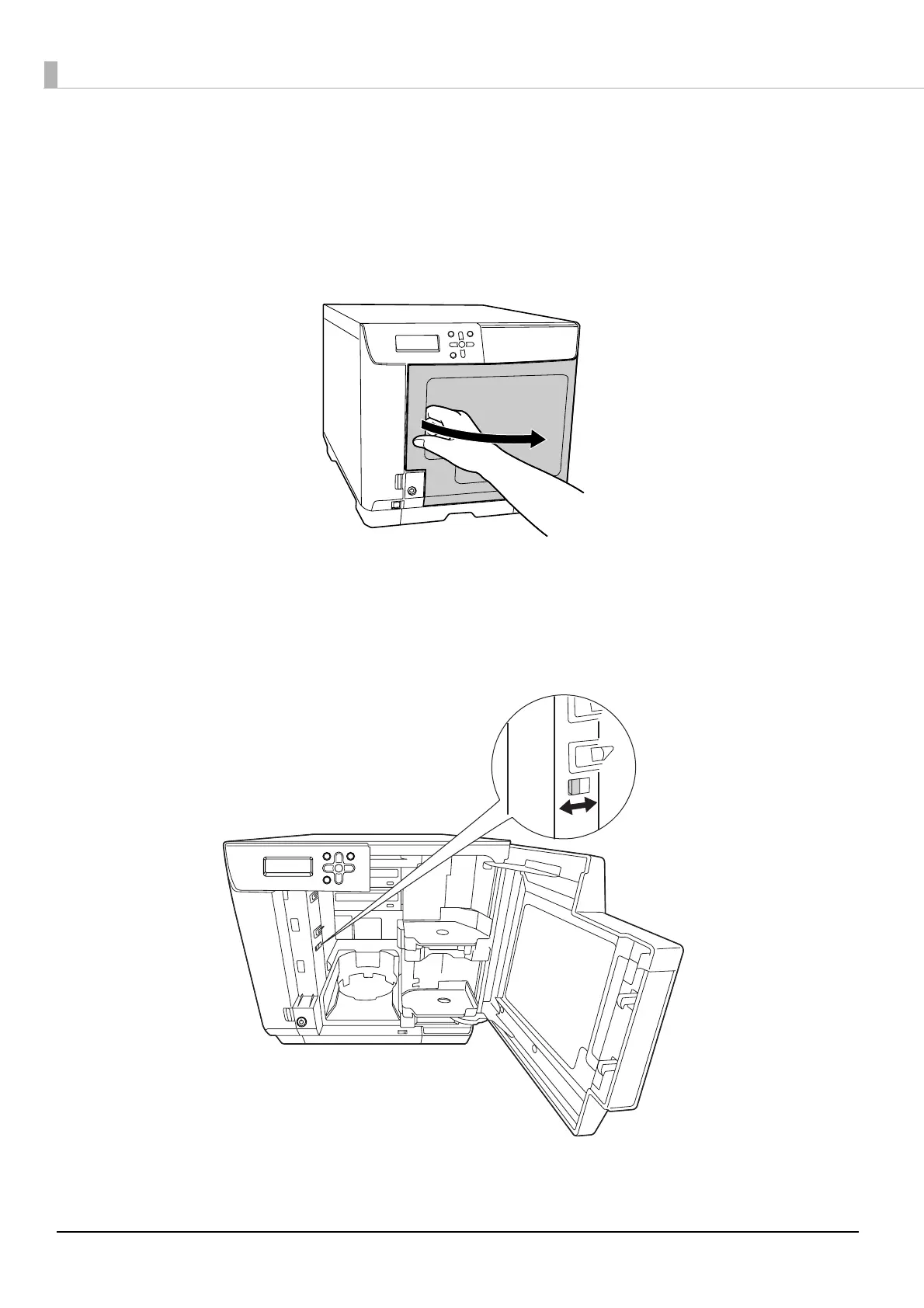
Set the security lock switch for automatically locking the disc cover. In the initial state, the security lock switch is set to
off.
1
Open the disc cover.
2
Set the security lock switch to on or off.
When set to on: The disc cover is locked automatically each time it is closed. To unlock the lock, use
the disc cover key, or use panel entry.
When set to off: The disc cover is always unlocked.



 To Next Page
 Loading...








