52
Managing users
Checking user information
Use the following procedure to check registered user information.
1
Log in to EPSON Total Disc Net Administrator.
See “Logging in to EPSON Total Disc Net Administrator” in the PP-100N User’s Guide for the login procedure.
2
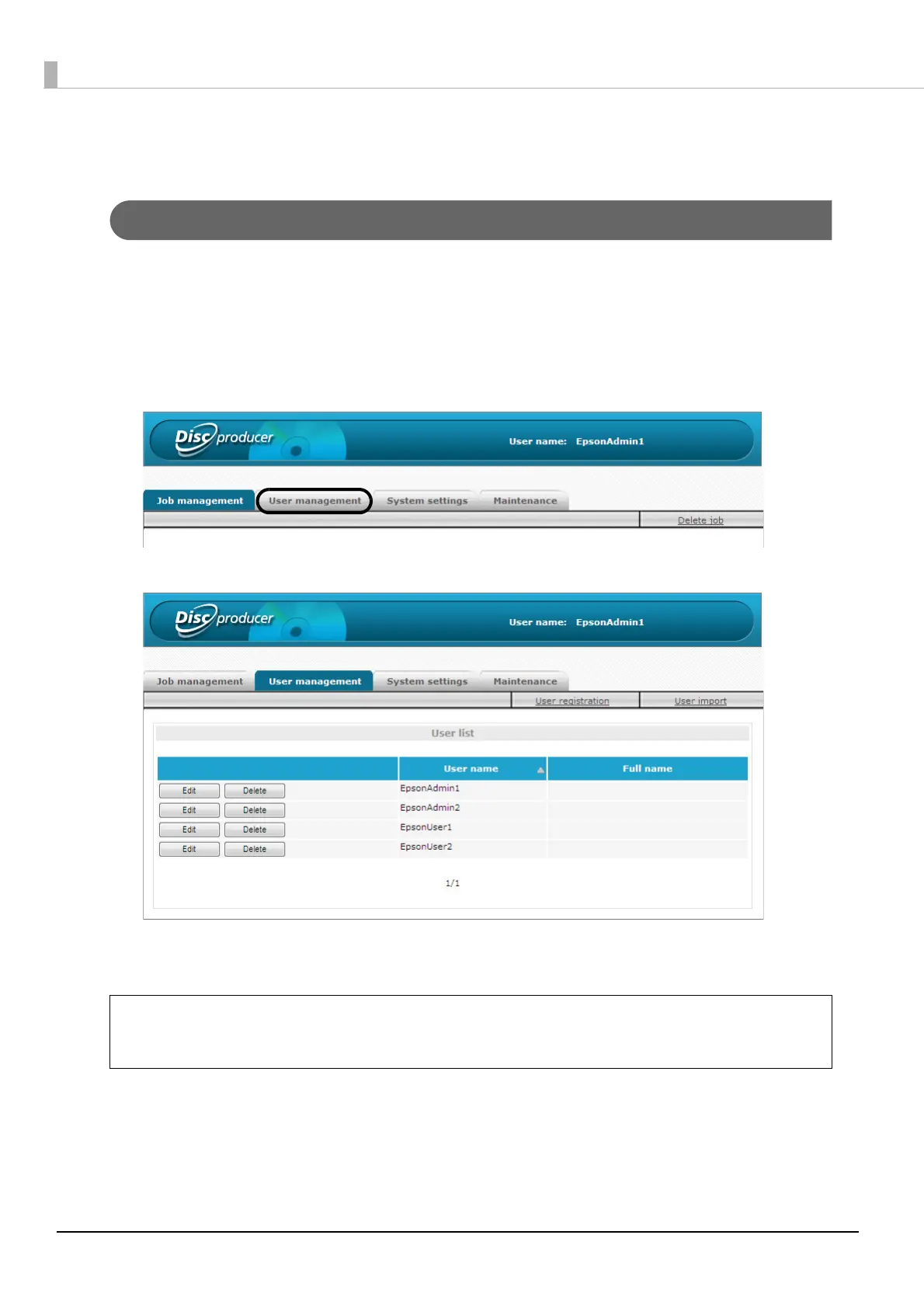
Click the [User management] tab.
The [User management] screen appears.
The user list displays the user name and full name of a registered user.
• Clicking [Edit] allows you to change the full name, mail address, and authority of a
registered user.
• Clicking [Delete] allows you to delete the registered user information.
Note



 To Next Page
 Loading...








