43
Preparation
Setting the language
After you set the Publish Mode (see page 21 in this guide), you can change the language setting for messages
displayed on the LCD of this product from English to Spanish, French, Italian, Dutch, Portuguese, Japanese, or
German.
Use the procedure below to change the language setting.
1
Press the MENU button.
The top menu appears.
2
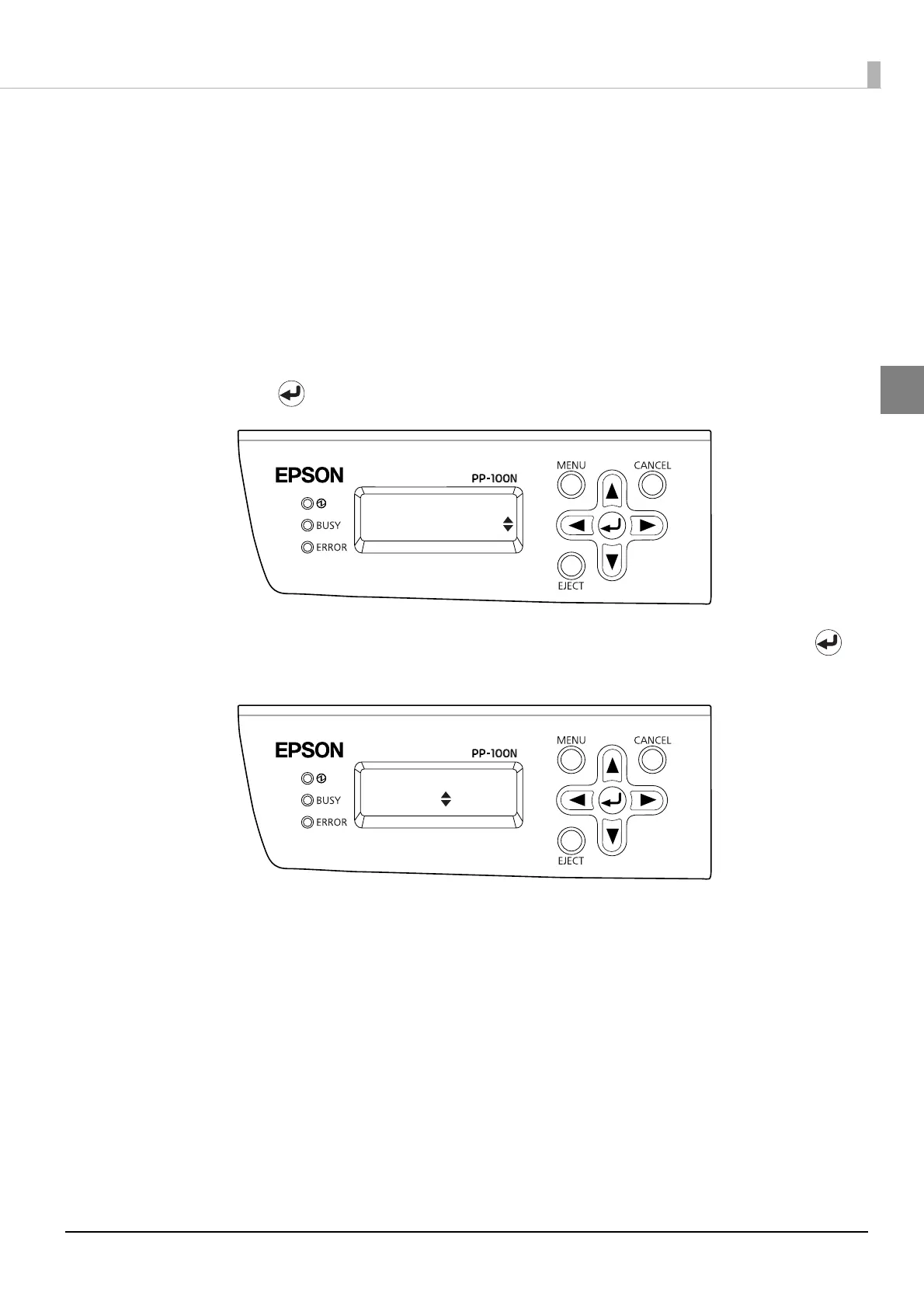
Use the ▲/▼ buttons to display the language settings (“Top menu Language”) screen,
and press the button.
3
Use the ▲/▼ buttons to display the language that you want to change, and press the
button.
Top menu
Language
Language
Francais



 To Next Page
 Loading...








