96
Disc recording surface is stained with ink
When the disc recording surface is stained with ink, the printer tray may be dirty. Clean the printer tray by following
the procedure below.
1
Press the power button to turn off the power.
2
After the power LED is off, disconnect the power plug from the outlet.
3
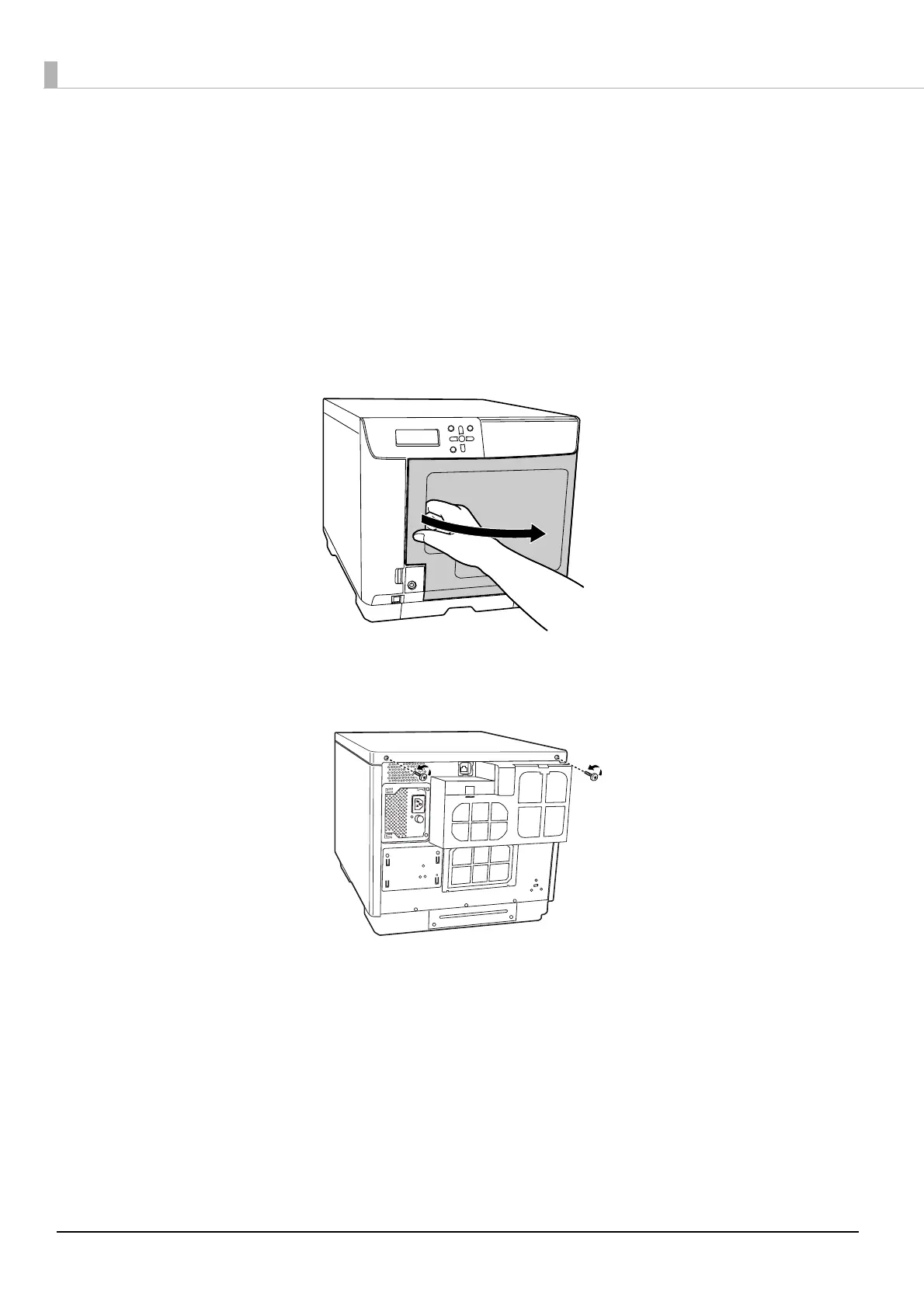
Open the disc cover.
4
Remove the two screws on the product rear that secure the top plate.



 To Next Page
 Loading...








