50
Deleting jobs
Use the following procedure to delete spool data and job history when, for example, there is little free space
remaining on the product’s hard disk.
1
Log in to EPSON Total Disc Net Administrator.
See “Logging in to EPSON Total Disc Net Administrator” in the PP-100N User’s Guide for the login procedure.
2
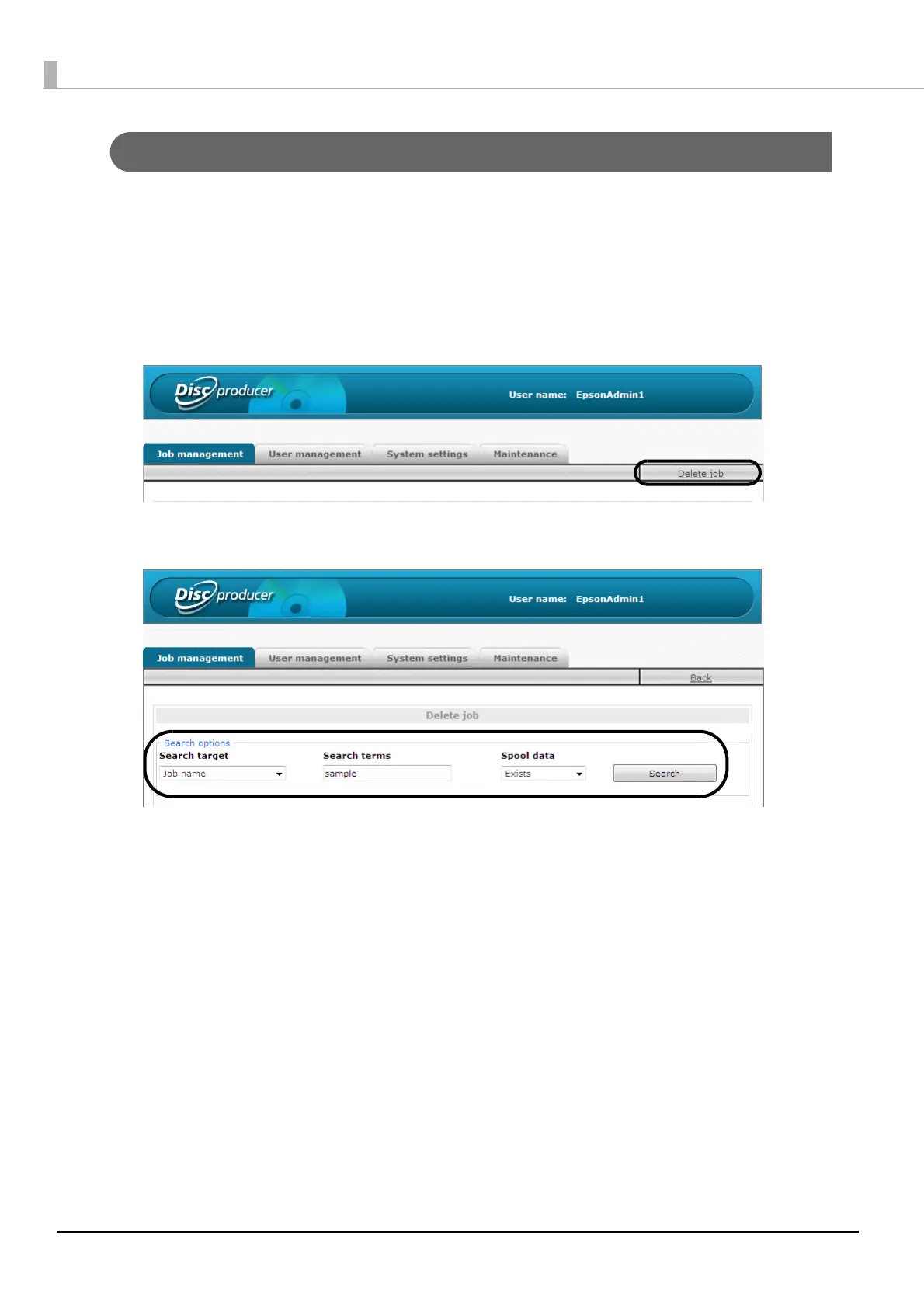
Click [Delete job].
3
Use the search options to find the job you want to delete.



 To Next Page
 Loading...








