36
If you check this check box, an error mark will be printed on any disc with a write error. This is useful to identify the
disc which encountered the write error.
4
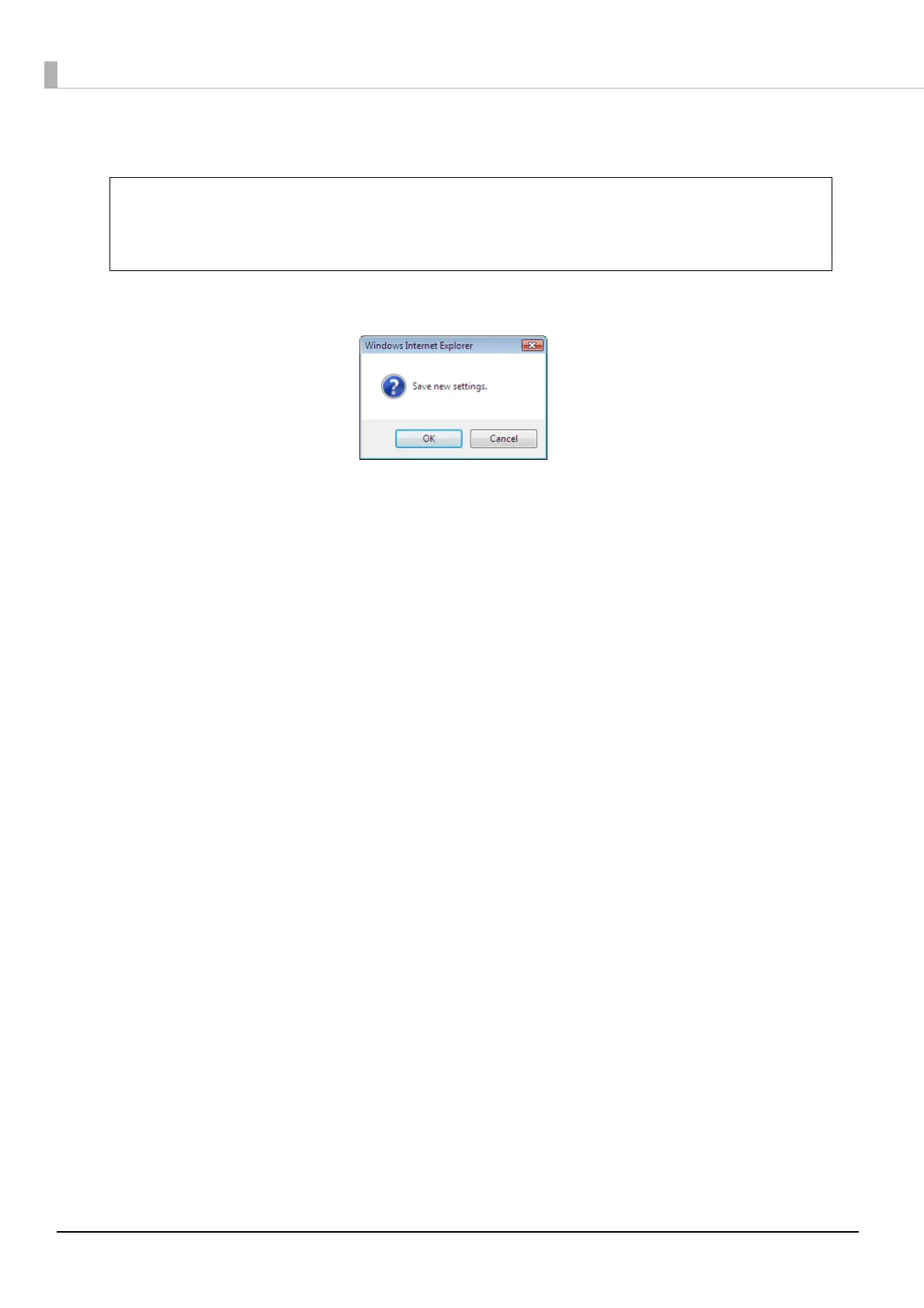
Click [OK].
The error mark will not be printed in the following cases.
• The job was cancelled in the EPSON Total Disc Monitor.
• Not enough ink was left to print the error mark
• Fatal error
Note



 To Next Page
 Loading...








