39
Preparation
Setting procedure
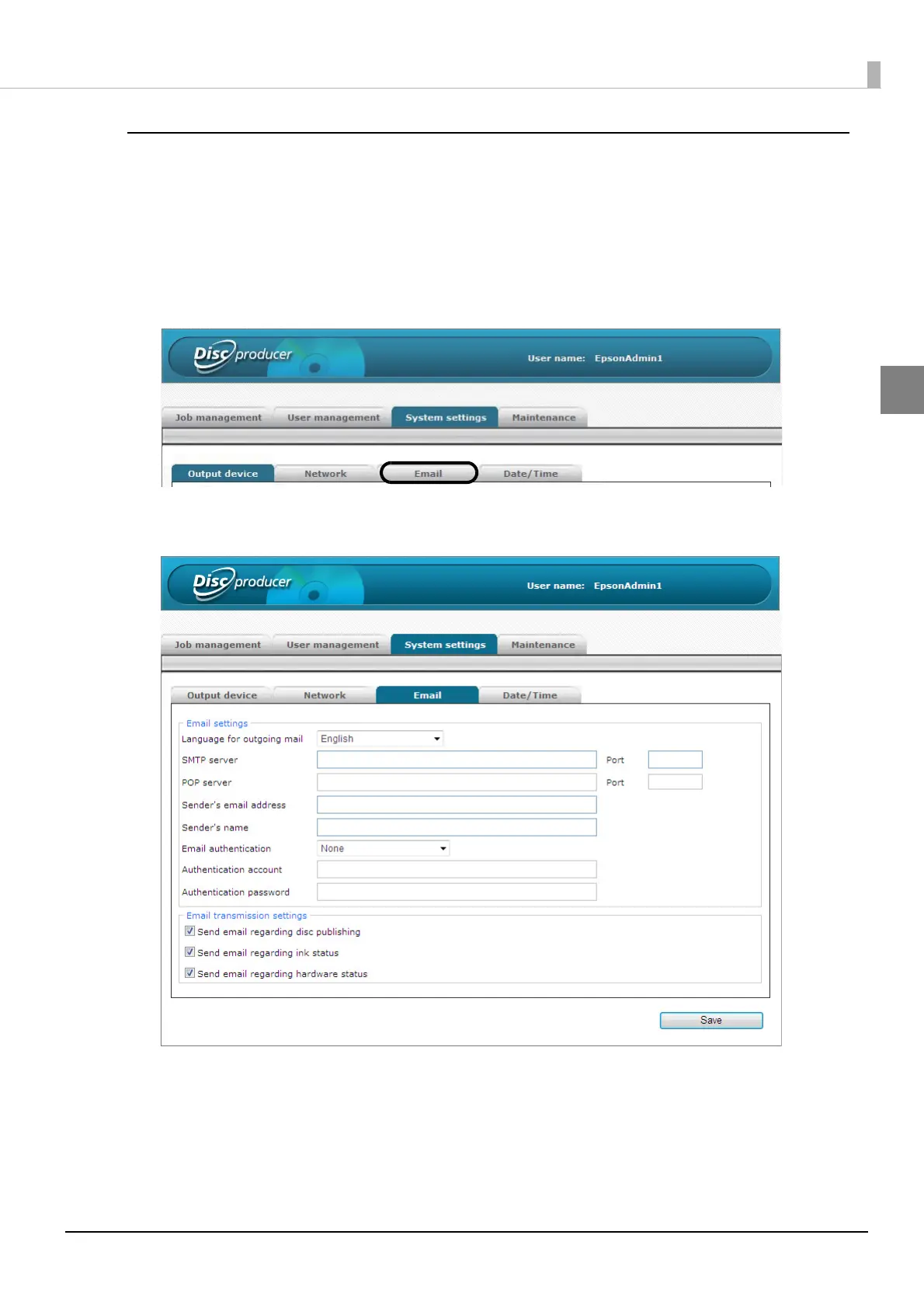
Use the procedure below to make the notification email settings.
1
Log in to EPSON Total Disc Net Administrator.
See “Logging in to EPSON Total Disc Net Administrator” in the PP-100N User’s Guide for the login procedure.
2
Click the [Email] tab in the [System settings] screen.
3
Set the information for each item, and click [Save].



 To Next Page
 Loading...








