64
5
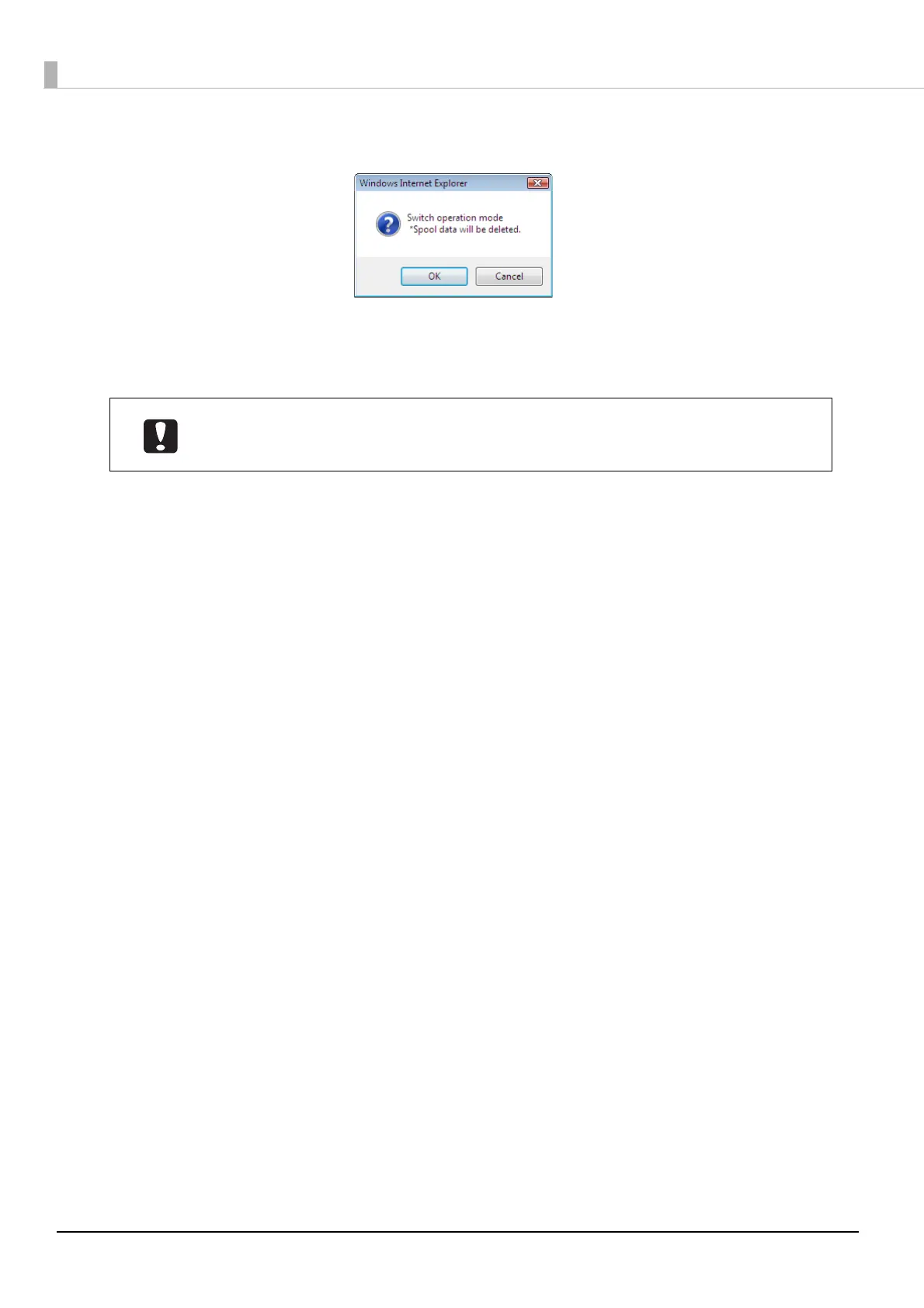
Click [OK].
6
Insert a stacker in accordance with the Publish Mode.
See “Installing the stackers” on page 24 in this guide.
The operation of this product differs depending on the Publish Mode setting. To prevent
the occurrence of an unexpected warning or error, check that the correct Publish Mode
has been set after you change the Publish Mode.



 To Next Page
 Loading...








