99
Troubleshooting
10
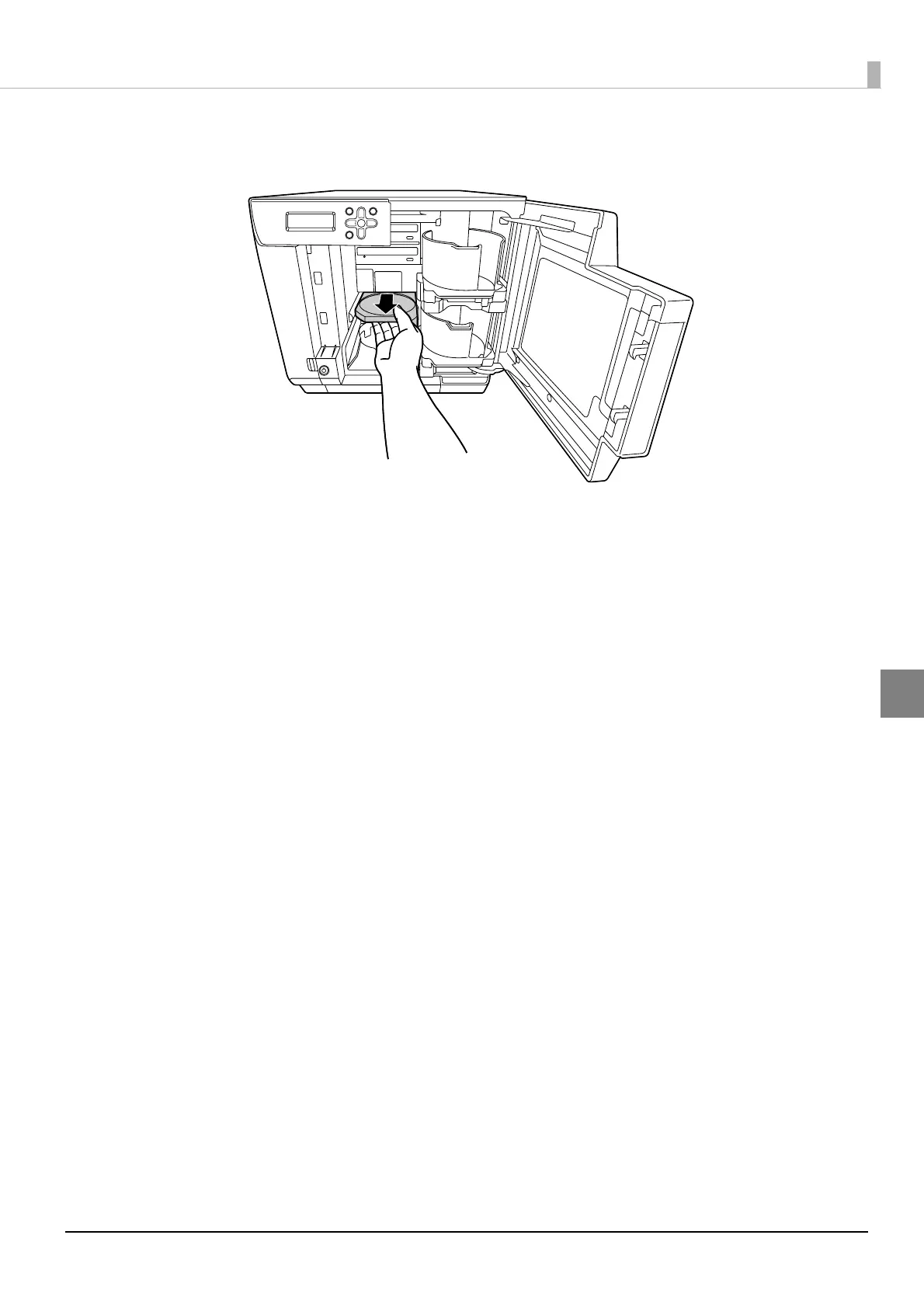
Pull out the printer tray.
11
Use a soft cloth to wipe off any dirt on the printer tray.
12
Close the disc cover.
The printer tray automatically closes when the power is turned on.
13
Reattach the rear printer cover, air vent cover, and top plate.
14
Insert the power plug into the outlet, and turn on the power.



 To Next Page
 Loading...








