171
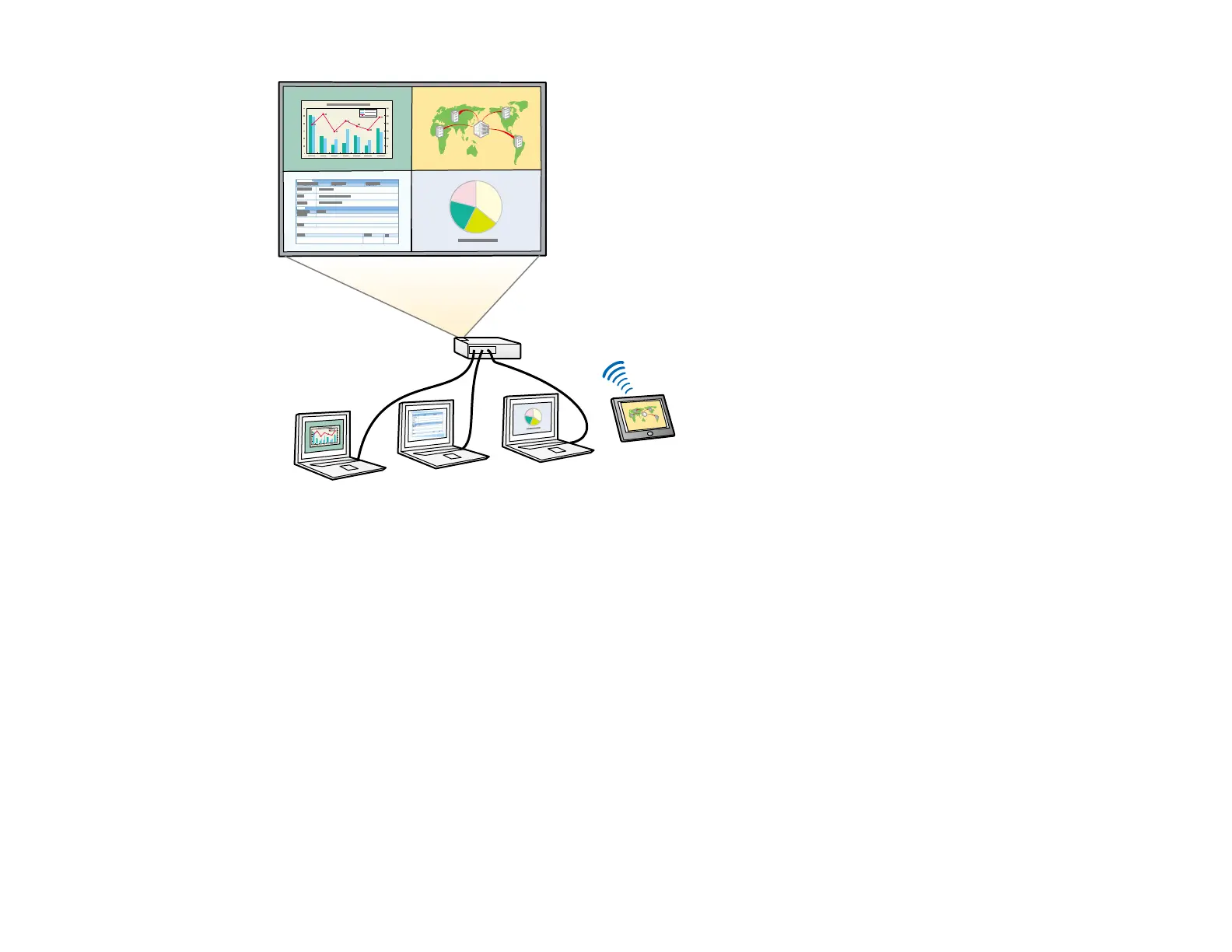
Note: While you use the split screen feature, other projector features may not be available and some
settings may be automatically applied to all images.
Note: You cannot use split screen with certain input source combinations. You cannot perform split
screen projection if Content Playback (EB-770F/EB-775F) or Connect ELPCB02 (EB-760W/EB-770F)
are enabled. You may not be able to perform split screen projection if you are using the Scale or Edge
Blending options (EB-770F/EB-775F).
1. Press the Split button on the remote control.
Note: You can also select Split Screen from the Home screen.
You are prompted for the number of screens.
2. Select 2 Screens or 4 Screens, depending on the number of input sources you want to project.



 To Next Page