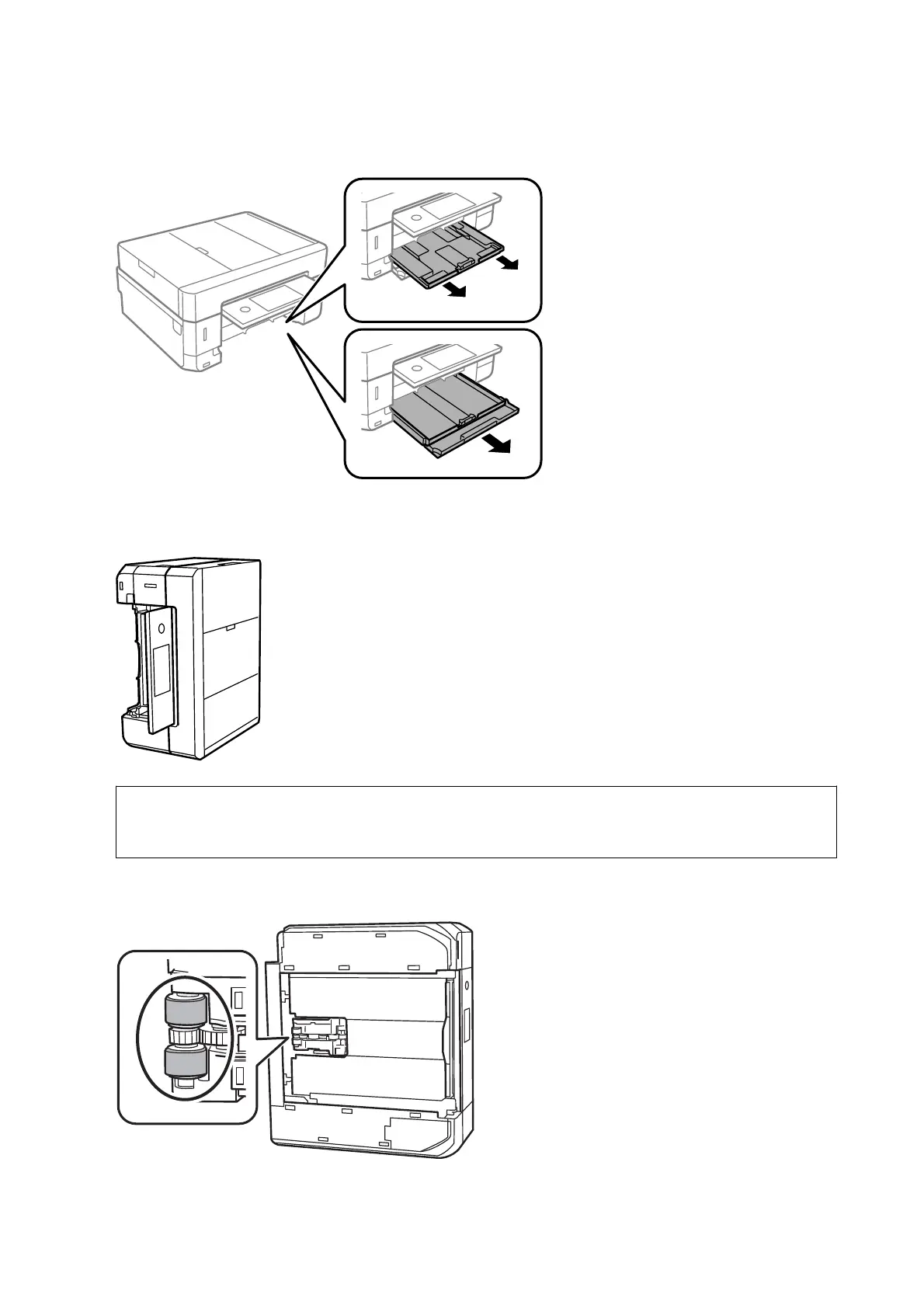
3. Pull out the paper cassette.
4.
Stand the printer with the control panel's
P
button at the top.
!
Caution:
Be careful not to trap your hand or
ngers
when standing the printer. Otherwise you may be injured.
5.
Dampen a cloth with water, wring it out thoroughly, and then wipe the roller while rotating it with the cloth.
User's Guide
Maintaining the Printer
175



 To Next Page
 Loading...










