24
Note: The closer the projector is placed to the screen, the brighter the image will be.
Use the tables here to determine approximately how far to place the projector from the screen based on
the size of the projected image. (Conversion figures may have been rounded up or down.) You can also
use the Projection Distance Calculator here (U.S.), here (Canada), or here (Caribbean).
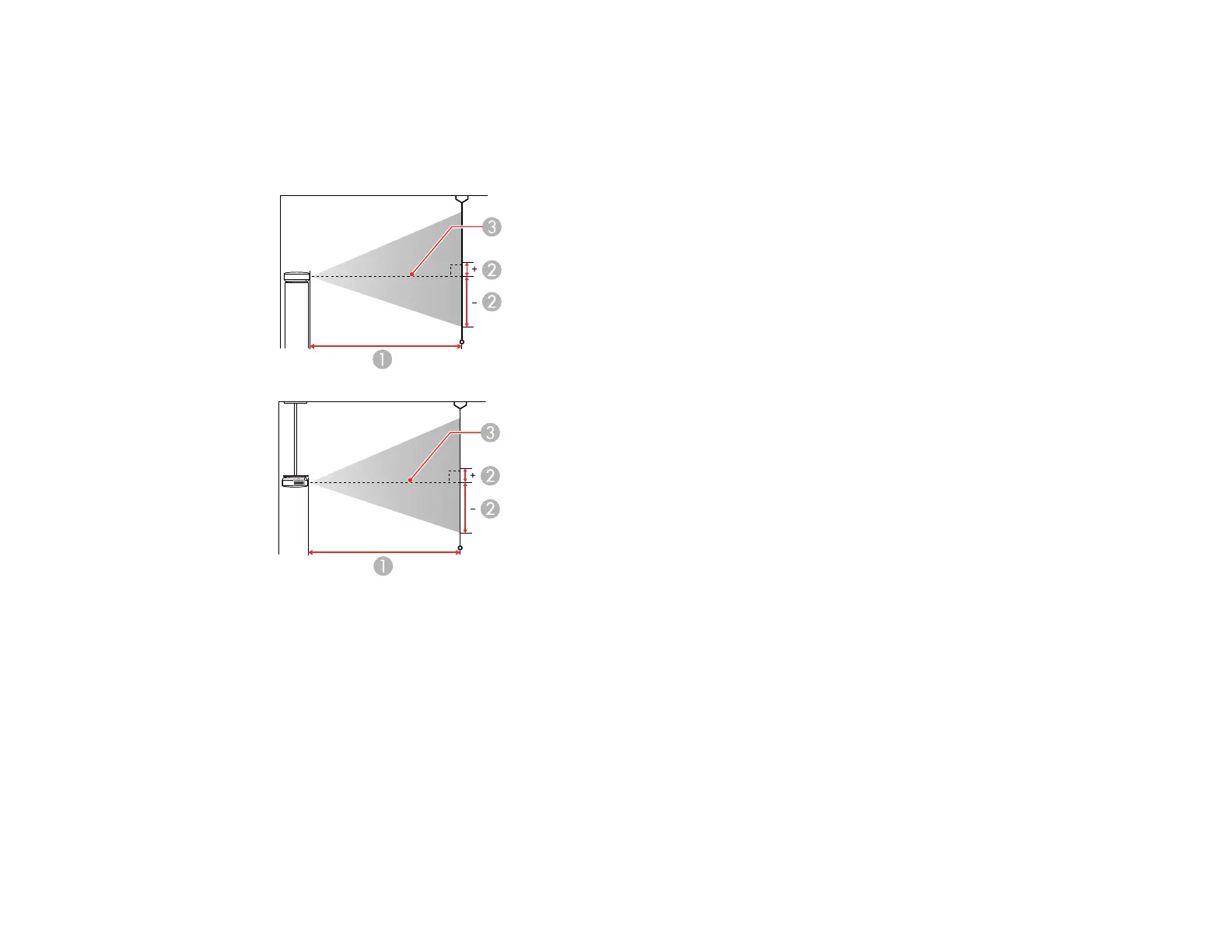
1 Projection distance
2 Distance from the center of the lens to the base of the screen (this changes depending on
the setting for vertical lens shift)
3 Center of the lens
16:9 Aspect Ratio Image or Screen



 To Next Page