39
Selecting Wired Network Settings
Before you can control the projector on your network, you must select the network settings for the
projector using its menu system.
Note: Make sure you already connected the projector to your wired network using the LAN port.
1. Turn on the projector.
2. Press the Menu button.
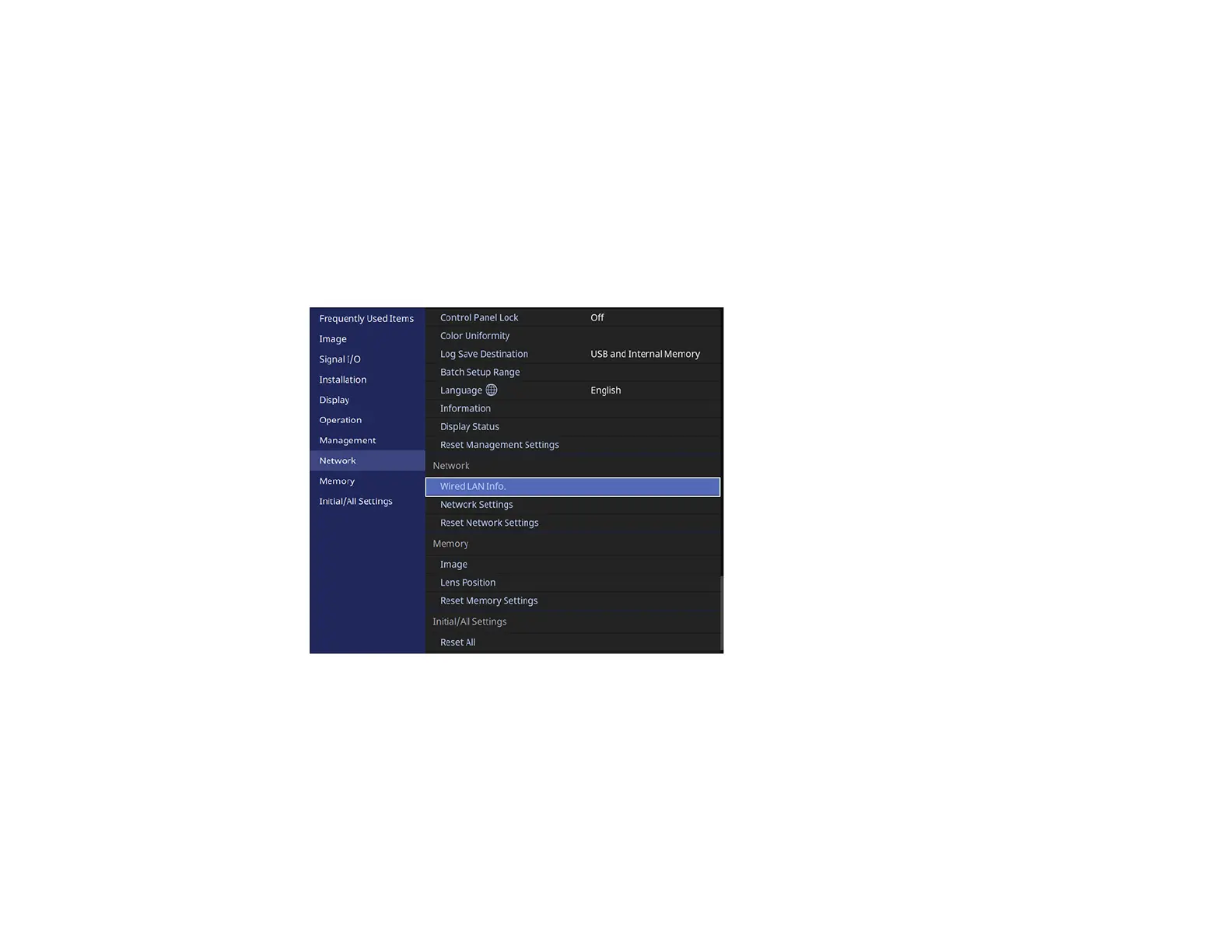
3. Select the Network menu and press Enter.



 To Next Page