31
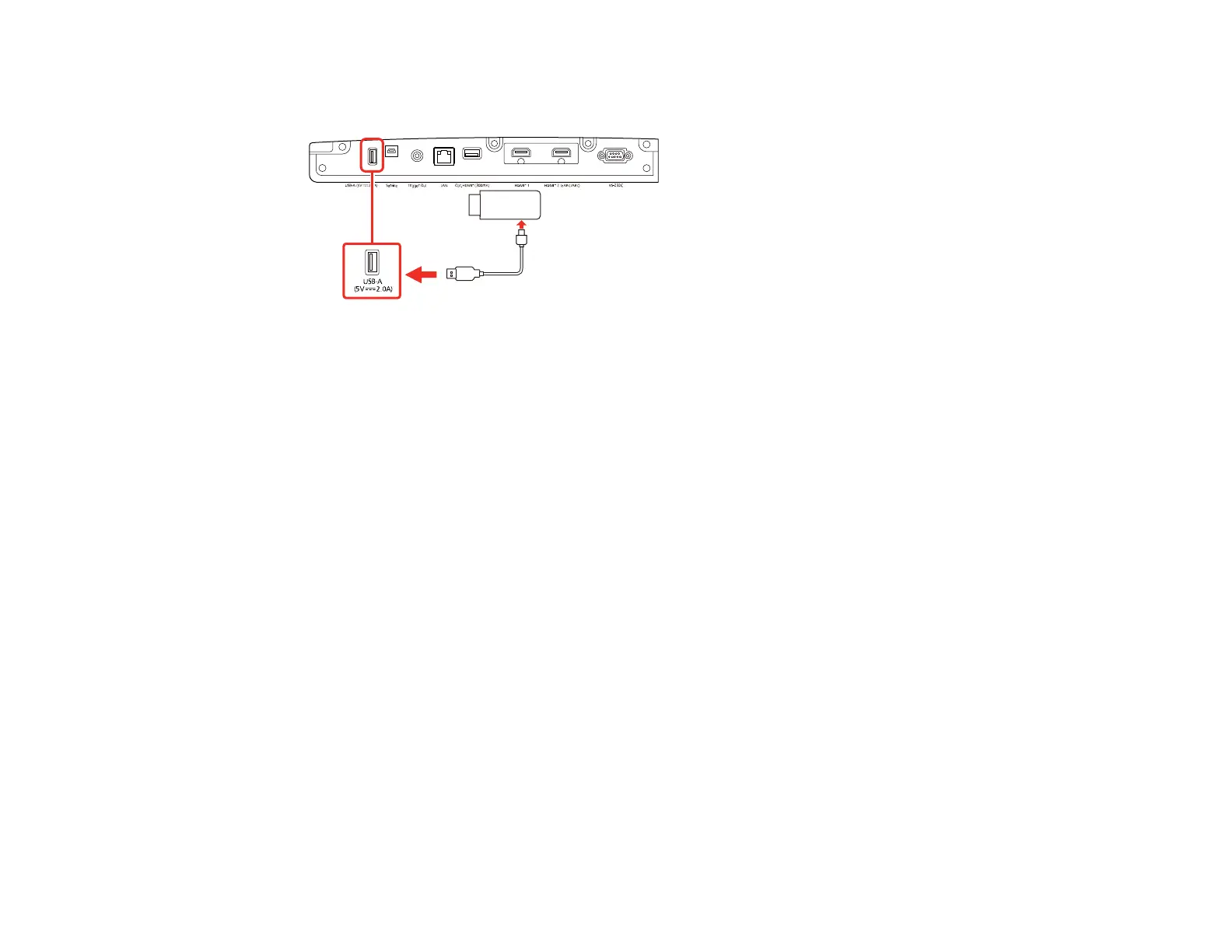
2. If necessary, connect the streaming media player's power supply USB cable to the USB-A port.
Connect the other end of the cable to the USB port on the streaming media player.
Parent topic: Projector Connections
Connecting External Output Devices
See these sections to connect the projector to external output devices.
Connecting an A/V System or External Speakers Using HDMI ARC
Connecting to a Trigger Out Port
Parent topic: Projector Connections
Connecting an A/V System or External Speakers Using HDMI ARC
If your A/V system or external speakers are eARC/ARC-compatible, you can connect them to the
projector's HDMI2 (eARC/ARC) port using an optional HDMI cable with Ethernet.
Note: Make sure the HDMI Link setting is turned on in the projector's Signal I/O menu.
1. Connect the HDMI cable to the HDMI port on your A/V system or external speakers.



 To Next Page