97
Adjusting the Menu Settings
Follow the instructions in these sections to access the projector menu system and change projector
settings.
Note: The projector's menus are displayed in black by default. You can change the color theme using
the Menu Color setting in the Display menu.
Using the Projector's Menus
Image Quality Settings - Image Menu
Input Signal Settings - Signal I/O Menu
Installation Settings - Installation Menu
Display Settings - Display Menu
Feature Settings - Operation Menu
Administration Settings - Management Menu
Network Settings - Network Menu
Image Quality Memory Settings - Memory Menu
Initial Settings and Reset Options - Initial/All Settings Menu
Using the Projector's Menus
You can use the projector's menus to adjust the settings that control how your projector works. The
projector displays the menus on the screen.
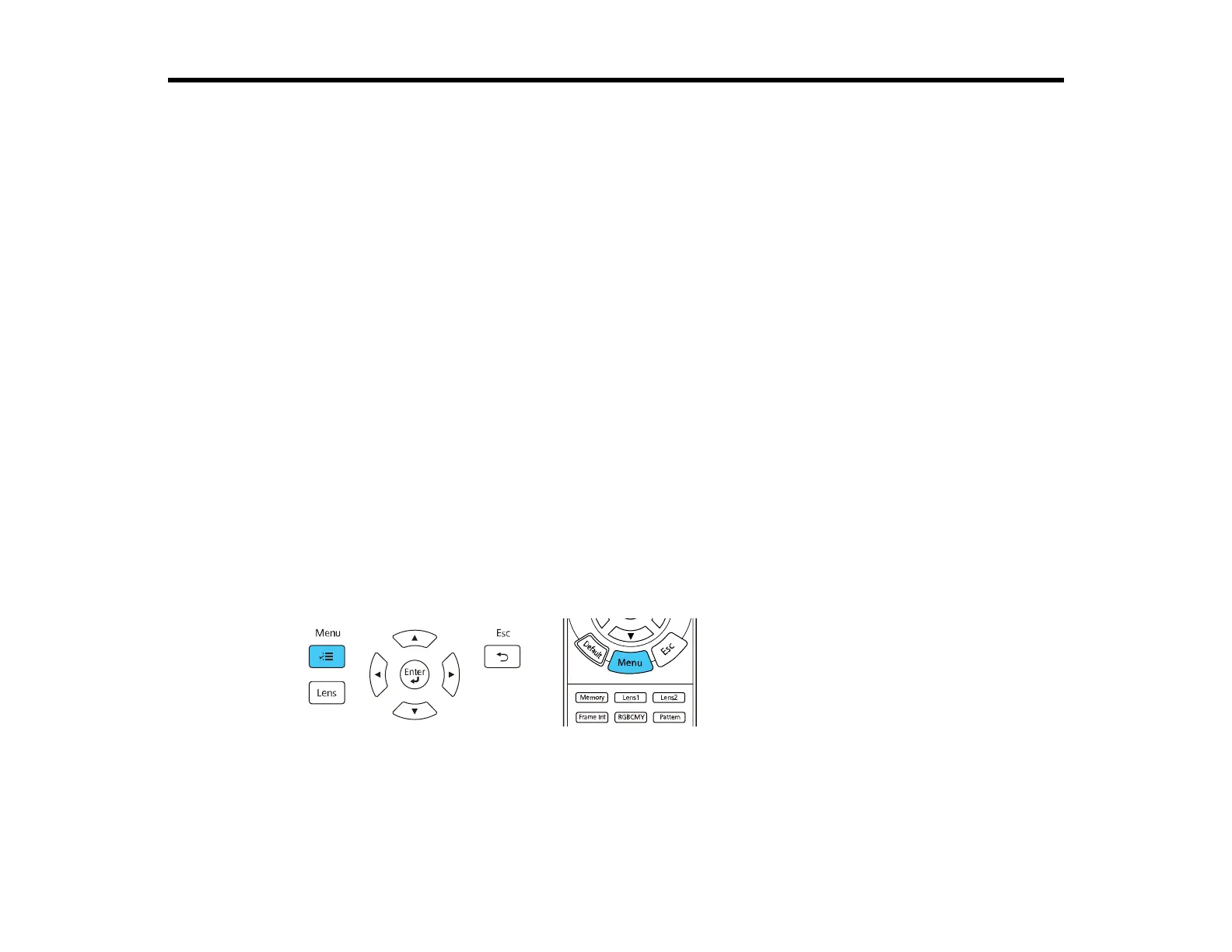
1. Press the Menu button on the control panel or remote control.



 To Next Page