70
Adjusting the Projector's Brightness Level
You can adjust the brightness of your projector's light source.
Note: The projector uses a laser as the light source with the following characteristics:
• Depending on the surroundings, the brightness of the light source may decline. The brightness
declines a lot when the temperature gets too high.
• The brightness of the light source declines the longer it is used. You can use the Light Output setting
to change the relationship between usage time and the decline in brightness.
1. Turn on the projector and switch to the image source you want to use.
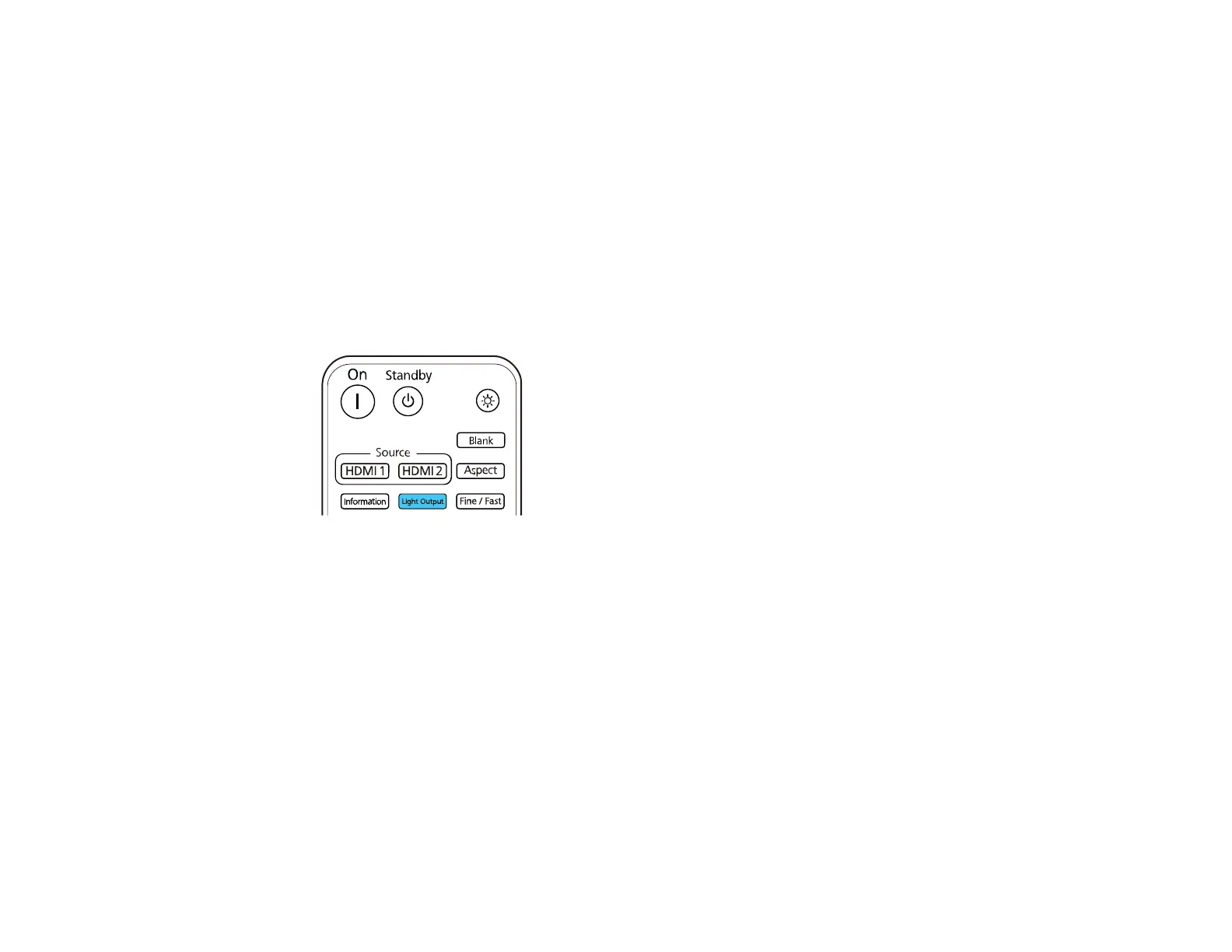
2. Press the Light Output button on the remote control.
Note: You can also access this setting from the projector's Operation menu.
3. Use the left and right arrow buttons to adjust the brightness.
Note: Press the Default button on the remote control to return to the default setting.
4. Press Menu or Esc to exit the menus.
Parent topic: Using Basic Projector Features
Turning On Dynamic Contrast
You can turn on the Dynamic Contrast setting to automatically optimize the image luminance. This
improves the image contrast based on the brightness of the content you project.
1. Turn on the projector and switch to the image source you want to use.



 To Next Page