75
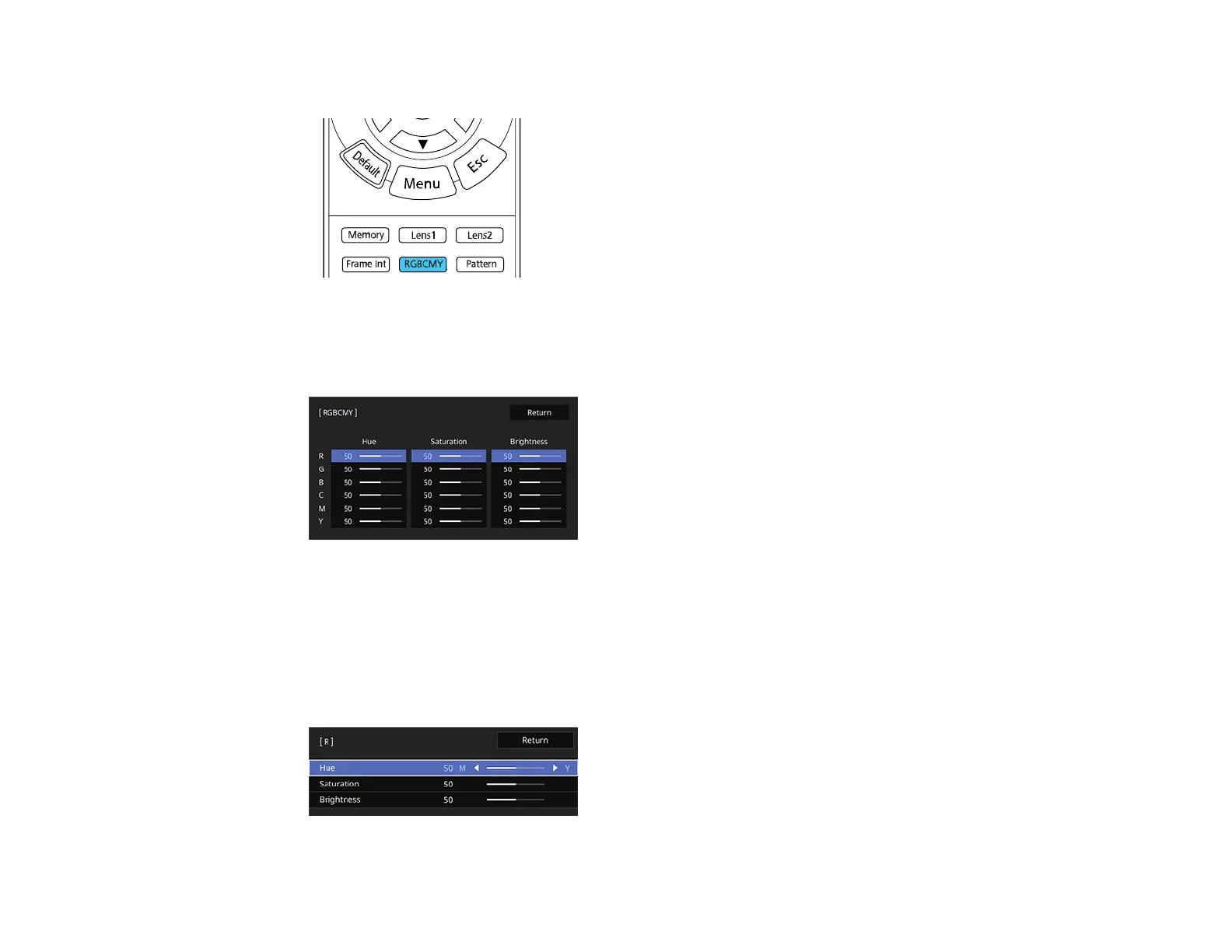
2. Press the RBGCMY button on the remote control.
Note: You can also access this setting from the projector's Image menu.
3. Select the color to adjust and press Enter.
The selected color fills the screen and the adjustment menu appears.
4. Do the following as necessary for each setting:
• To adjust the overall hue of the color (bluish, greenish, reddish), adjust the Hue setting.
• To adjust the overall vividness of the color, adjust the Saturation setting.
• To adjust the overall brightness of the color, adjust the Brightness setting.



 To Next Page