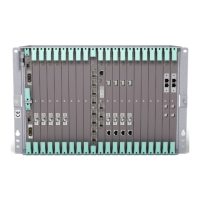
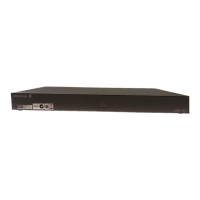
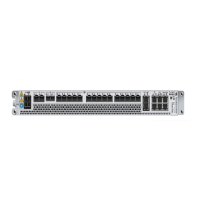
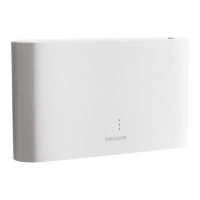
Installing a MINI-LINK 6351
A
2. Turn on Wi-Fi on the camera:
a. Press the wireless button B two times.
b. Press the select button E to enter the WIRELESS menu in the
LCD status screen D.
c. If the LCD status screen D does not show GOPRO APP, press the
power button A repeatedly to until the screen shows GOPRO APP.
d. Press the select button E to select GOPRO APP.
44
13/1531-HRA 901 17/9 Uen B | 2016-03-04



 To Next Page
