1716
2.13.3 Persistent Shipping document
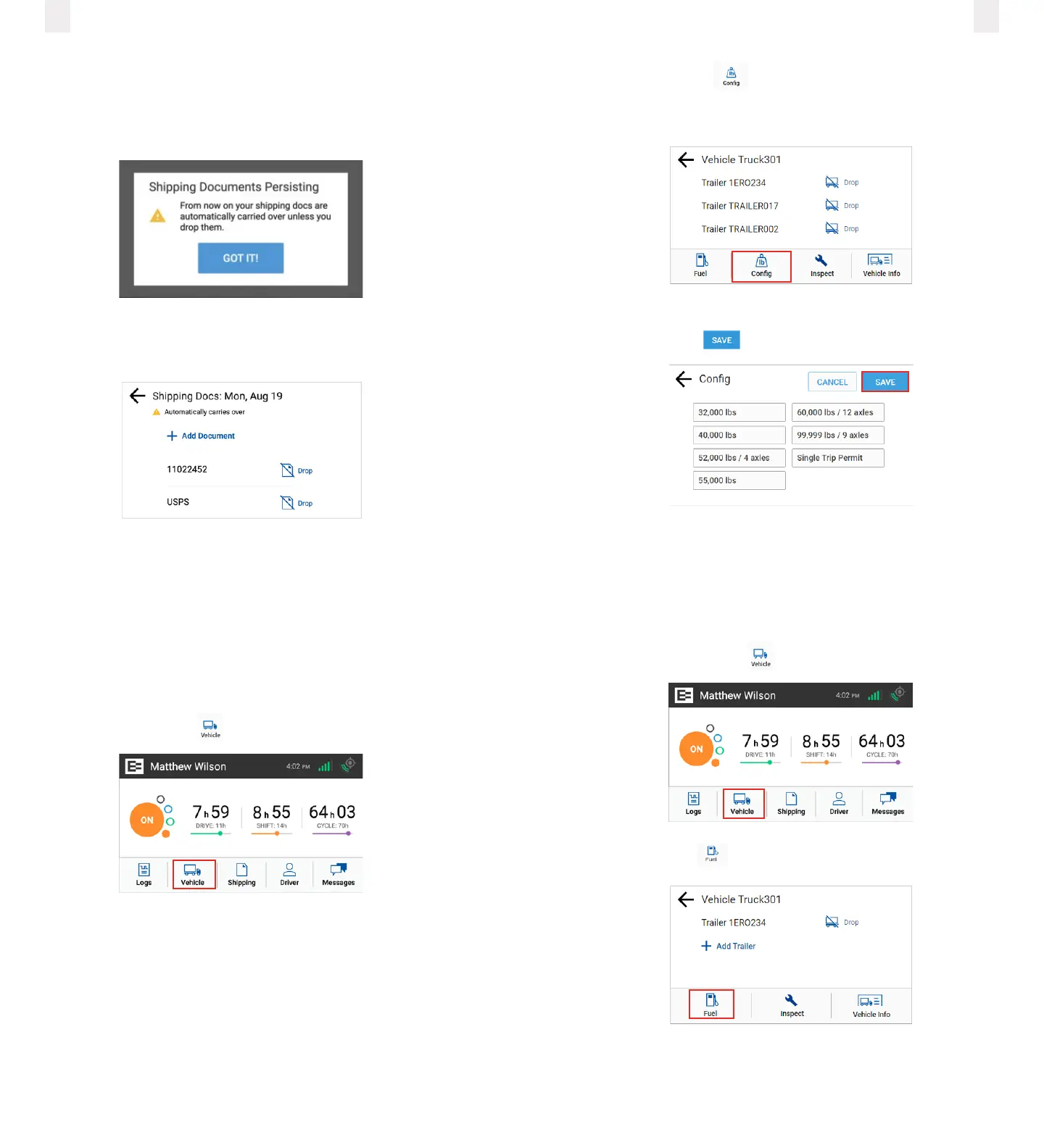
Bills of Lading may be continuous or ongoing. If ‘Persistent Bill
of Lading’ has been enabled for your ELD, the ELD’s Shipping
Doc Edit button will change to Drop.
Even though it’s persisting, the driver may modify or drop it at
any time.
A Shipping Doc’s default behavior will be to drop at the end of
the day.
2.14 Setting WMT configuration
(Oregon only)
The EROAD ELD lets you easily change your vehicle weight
configuration for use with Weight-Mile Tax (WMT) reporting.
This applies to drivers operating in the State of Oregon.
1 Tap the Vehicle icon on the Home menu.
2 Tap the Config icon on the Vehicle menu. The Config
screen appears and lists various configuration weight or
single-trip permit options.
3 Tap the configuration button that applies to your trip.
4 Tap the Save button.
Note: The list of available configurations for your vehicle
are options that your motor carrier has registered with the
DOT. Contact your supervisor if you cannot see the right
configuration for your vehicle.
2.15 Entering fuel gallons
1 Tap the Vehicle icon on the Home menu.
2 Tap the Fuel icon on the Vehicle screen.
3 Enter the number of gallons using the key pad.



 To Next Page