2 MENUS
0460 949 474
- 11 -
© ESAB AB 2021
2 MENUS
The control panel uses several different menus:
• Main menu
• Configuration menu
• Tools menu
• Weld data settings menu SET
• Measurments menu MEASURE
• Weld data memory menu MEMORY
• Fast mode menu FAST MODE
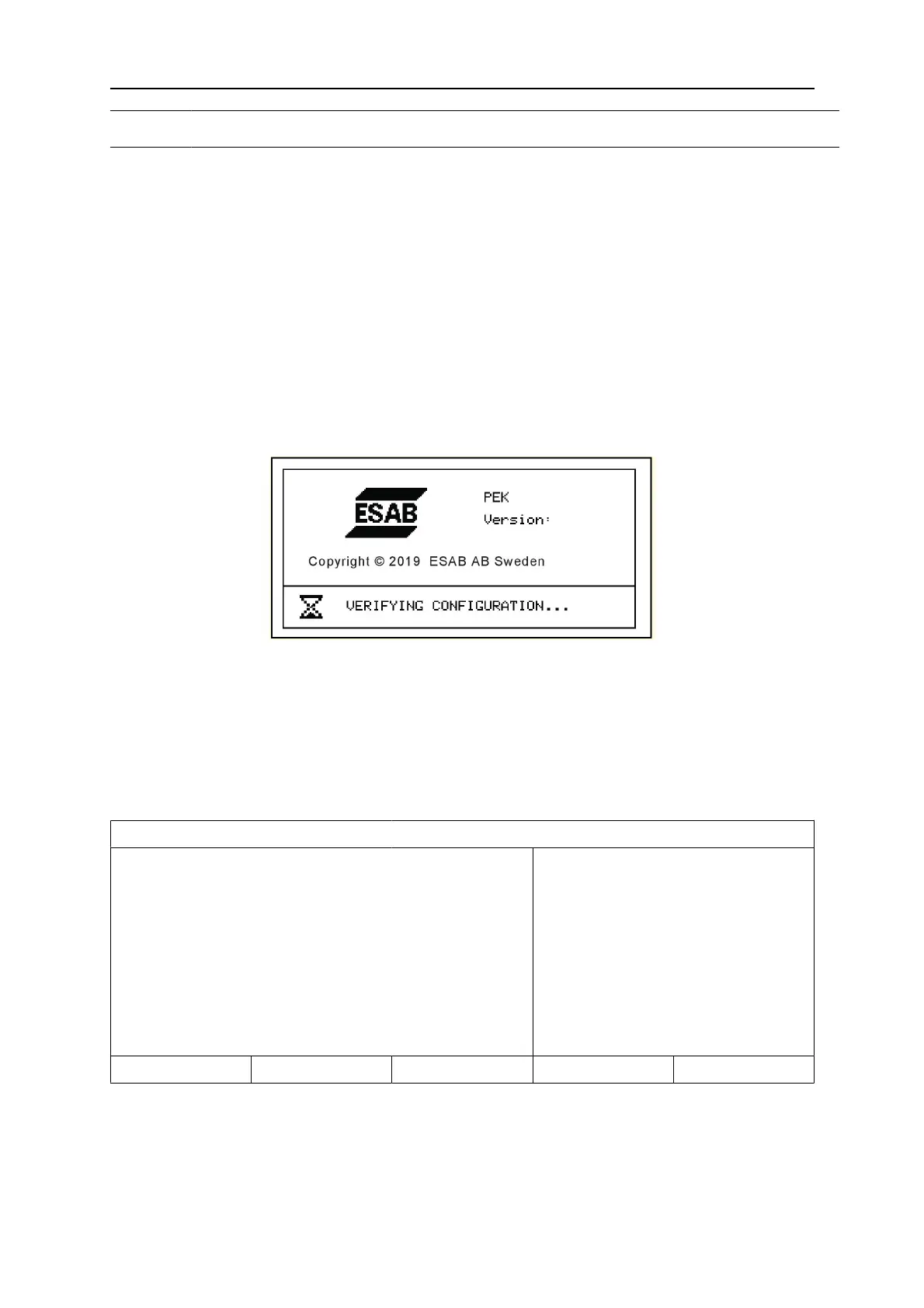
During start-up, a start-up screen containing information about the current program version
is displayed briefly.
Start-up screen
2.1 Main Menu
In the MAIN MENU, you can change welding process, method, wire type, control method,
wire dimension etc.
You can access other sub menus from this menu.
SAW
PROCESS
METHOD
REGULATION TYPE
WIRE TYPE
WIRE DIMENSION
CONFIGURATION►
TOOLS►
SAW
DC
CA
Fe SOLID
3.0 mm
SET MEASURE MEMORY FAST MODE
2.1.1 Configuration menu
MAIN MENU » CONFIGURATION
In the CONFIGURATIONmenu it is possible to change language, change password, make
general configuration, make machine adjustments etc. The menu has different appearances
depending on which power source type is selected under MACHINE CONFIGURATION.



 To Next Page