15
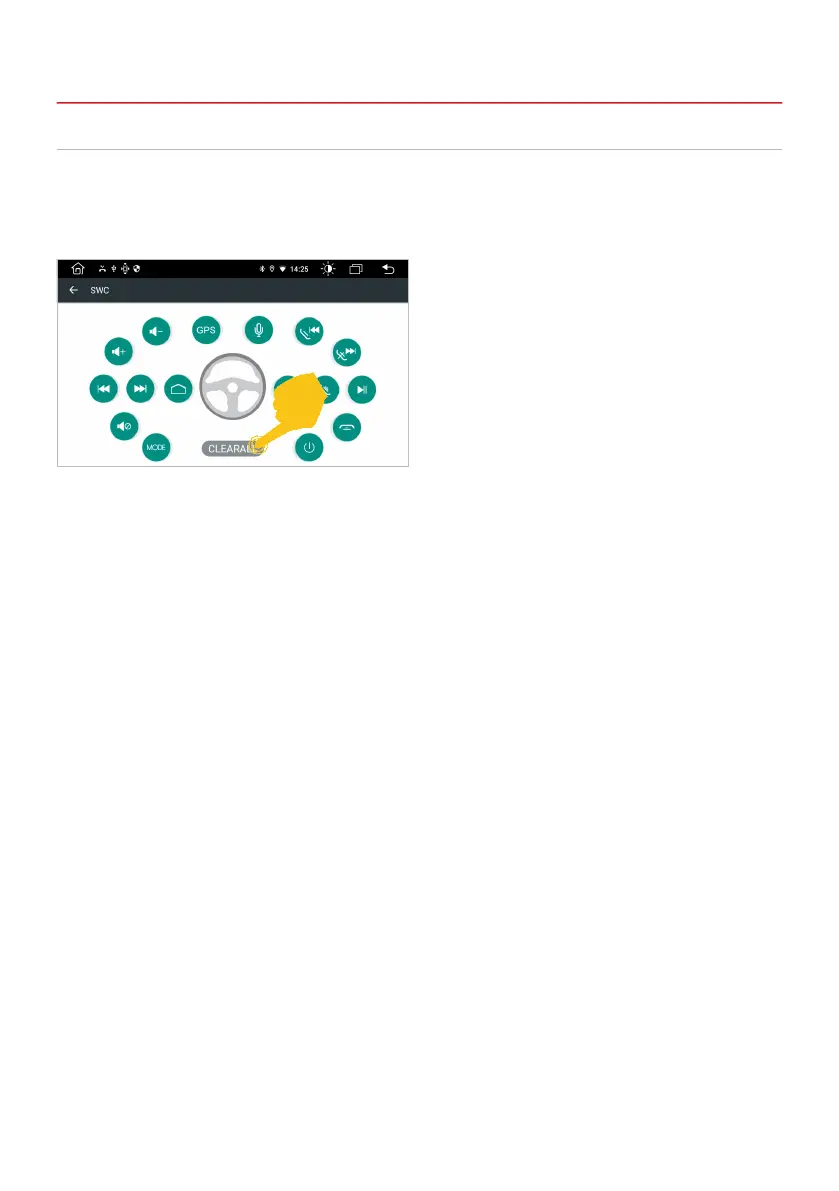
Here you can dene the control buttons of your steering wheel and synchronize them with the device.
Apps > Settings
> Car settings
> SWC
2.4 STEERING WHEEL CONTROL
Important note: Some vehicles are not
compatible. The device is CAN bus compatible,
but you may need a vehicle-specic adapter or
module.
A. First tap on CLEARALL and then on a desired function.
B. Then press the appropriate button on the steering wheel. If the entry is shown successfully on
the display, the corresponding color on the button changes.
C. Repeat steps A and B until you have made all the settings.
D. Exit the menu when the settings are complete.
Important note: If you want to reset the steering wheel assignments and learn the functions
again, press “CLEARALL” and repeat the process.
2. BASIC SETTINGS



 To Next Page