8
1. BRIEF OVERVIEW
Apps > Settings
> System
> Language & input
> Check the input method according to user’s requirements, for example “English”
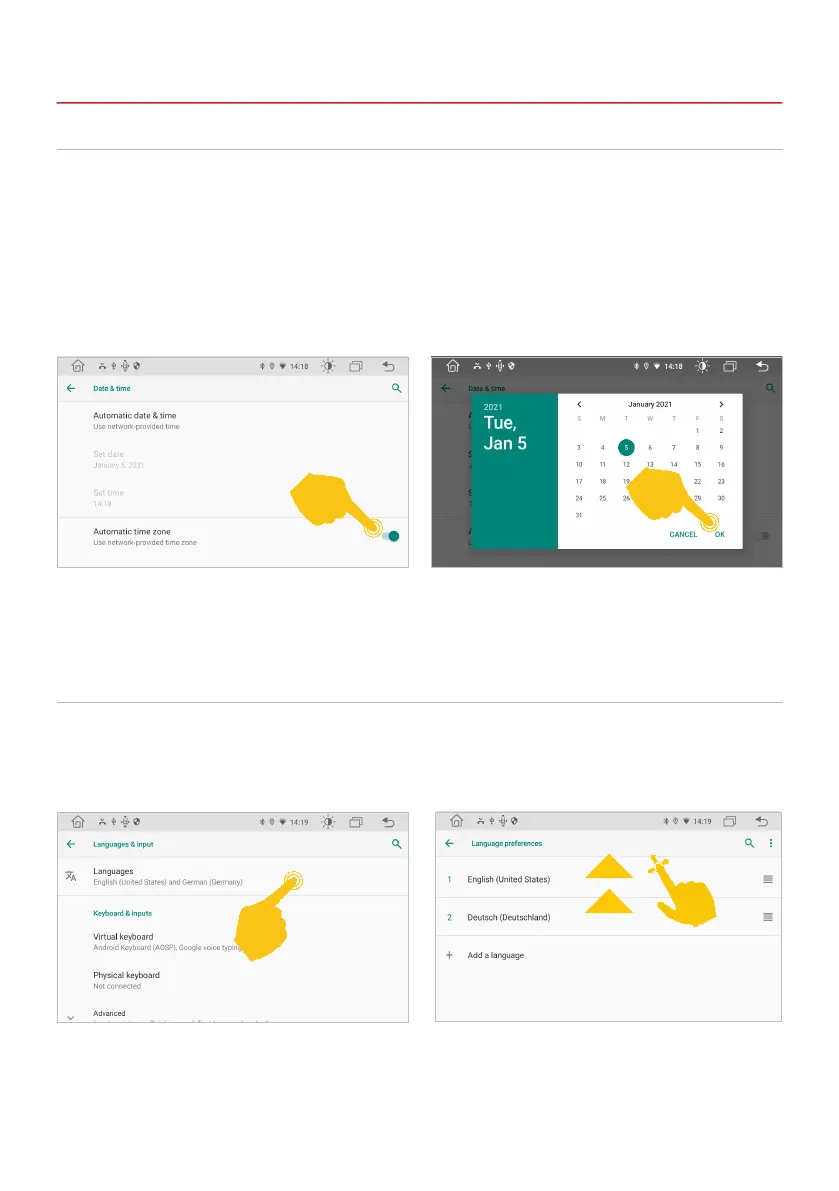
This device has the function of automatically calibrating the current time via active GPS reception. You
can also set the date, time zone, and format manually. If you tap on the widget with date and time in the
main menu, you will also be taken directly to this menu.
Apps > Settings
> System
> Date & time
> Set date
> Set time
> Select time zone
1.4 TIME AND DATE SETTINGS
1.5 LANGUAGE
Note: Now move your choice to the rst position with a swipe, that the operating system
displays your preferred language. If your selected language is not available in certain menus
and functions, the next language will be used.



 To Next Page