31
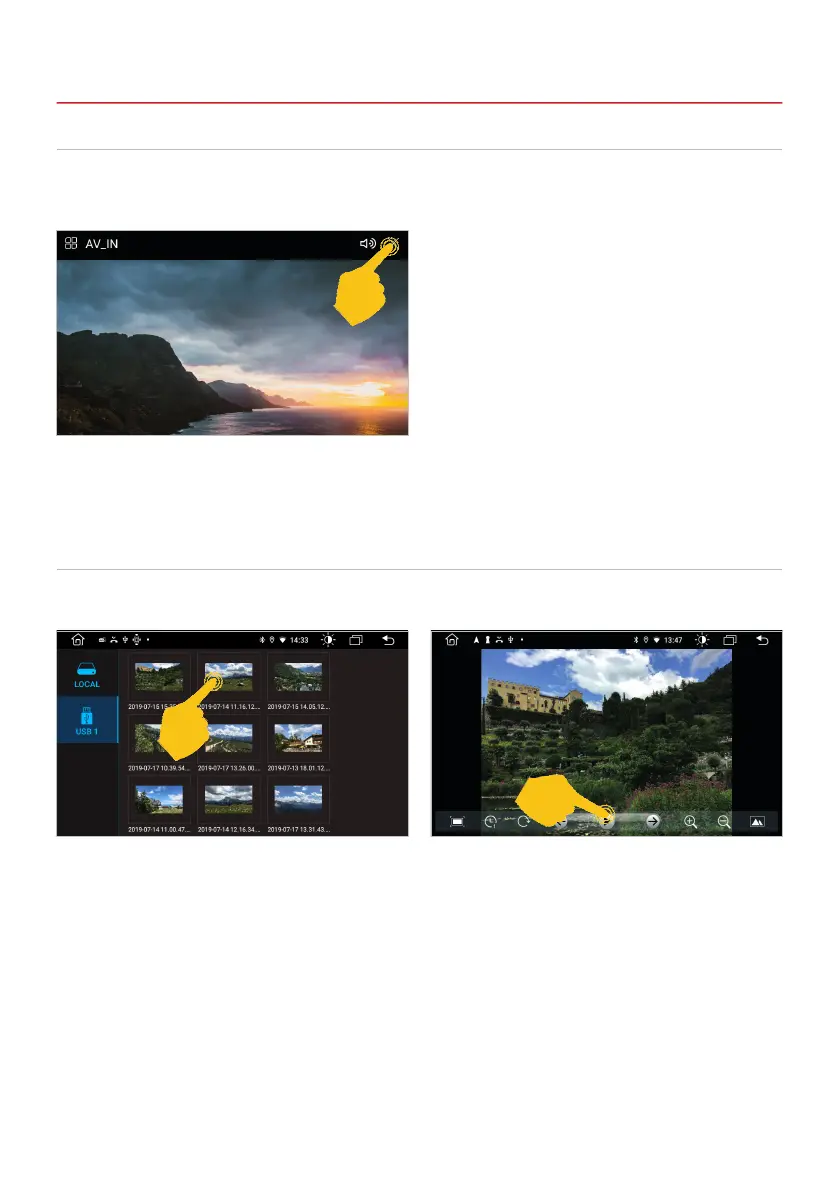
If you have connected an external audio or video source to the AUX input of the device, click on AV-IN in
the app menu. Then you have to start playback on the external audio or video source.
Start the app gallery in the app menu to view your pictures stored locally on the device or on the USB
medium.
3.8 AV-IN
3.9 GALLERY
Important note: While driving, the image signal of a video is not displayed for safety reasons.
3. INFOTAINMENT
Tap on one of the pictures to open it. For example, you can use the controls below to
start a slide show or make image adjustments.



 To Next Page