9
1. BRIEF OVERVIEW
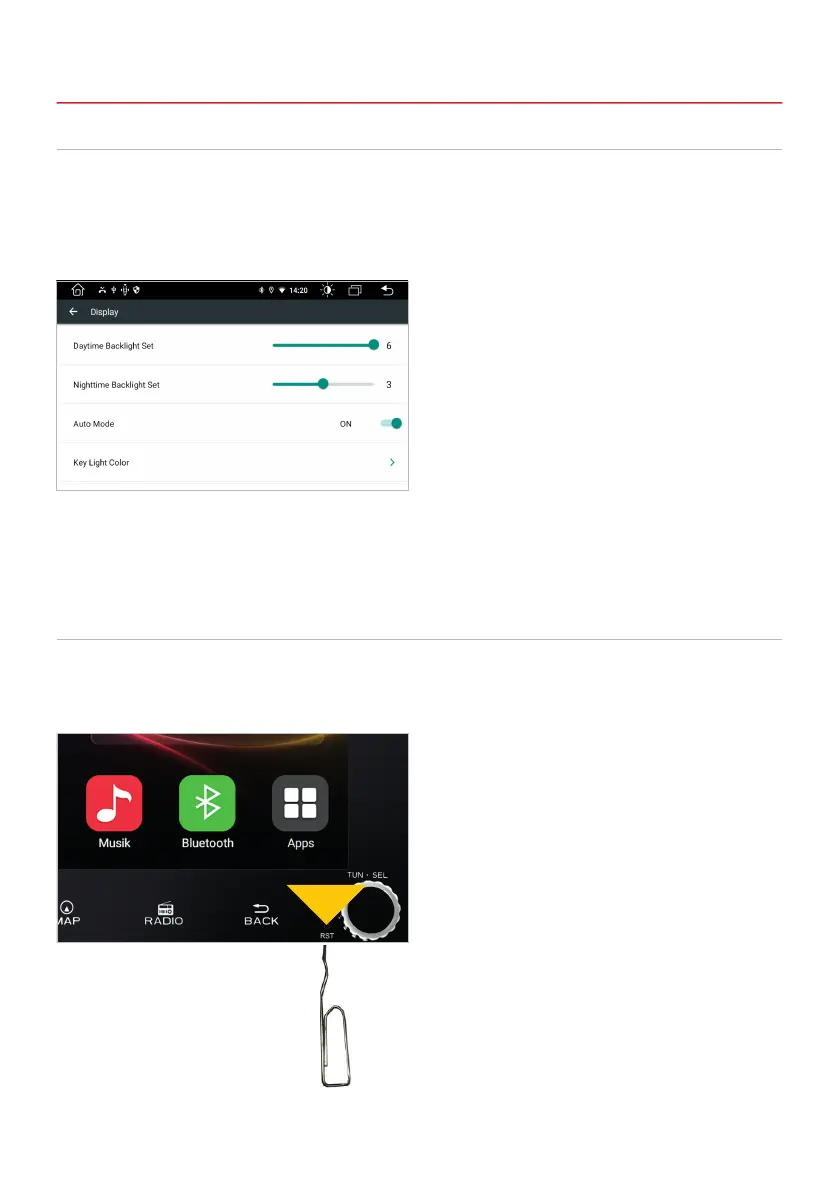
In the display menu you can make settings for the display brightness, the key illumination and the screen
saver function.
Apps > Settings
> Car settings
> Display
1.6 DISPLAY / KEY ILLUMINATION
If the device no longer reacts to inputs, the system is overloaded or has crashed. Then reset the device
by pressing the reset button (RST) on the front panel. After pressing the reset button, the system restarts
without losing the settings you have already made.
1.7 RESET BUTTON
Use a suitable object, such as a
paper clip or a ballpoint pen.



 To Next Page