23
Important note: If no camera is connected, this view shows „No Signal“.
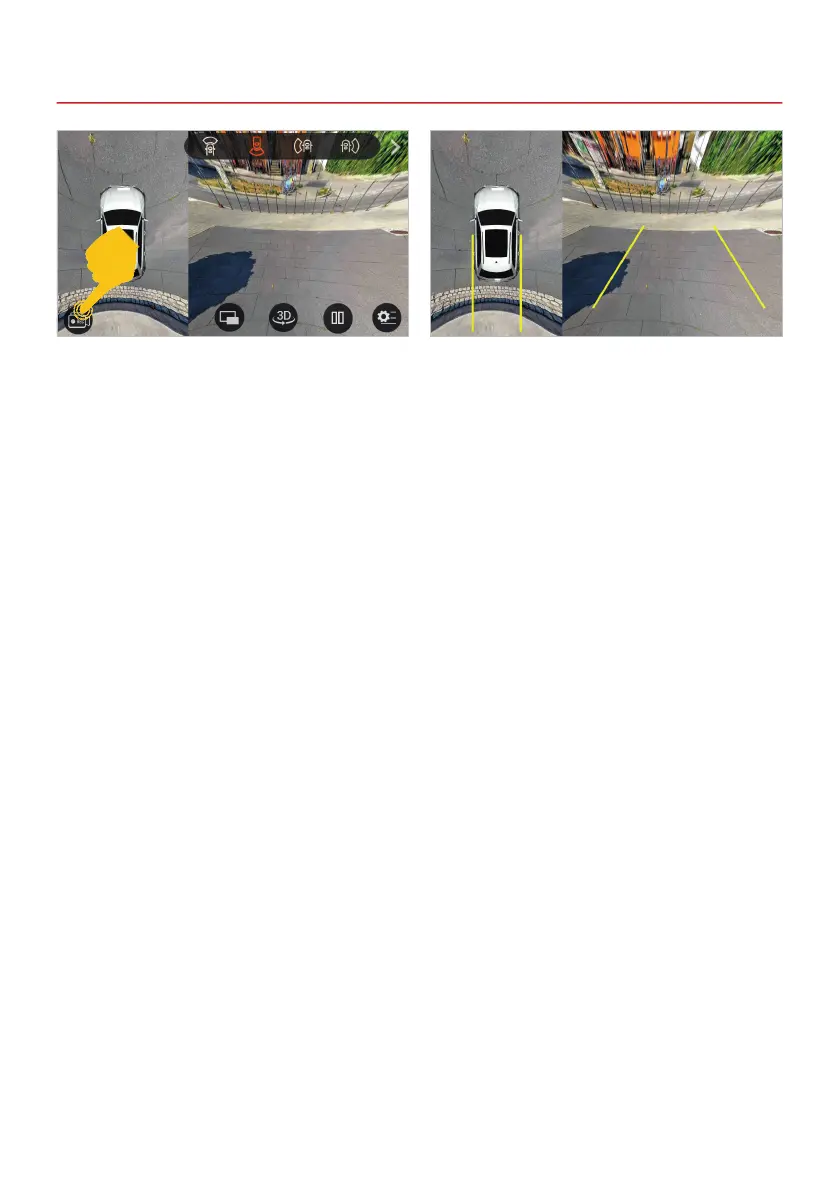
The record button is located at the bottom left.
With this, all four connected cameras are recorded
in one image and saved as a TS-MPEG-2 le
(transport stream) on the device in the Films
folder. This video le can only be played with a
special video player and not on the device itself.
IMPORTANT: Please observe the data protection
regulations of your country for recordings in public
trafc.
When the reverse gear is engaged, the above
view is automatically displayed. This view is also
shown when the camera direct button is pressed.
On the left you always see the all-round view of
all four cameras and on the right the reversing
camera at the rear of the vehicle.



 To Next Page