ES581.4 - User’s Guide20
Getting Started ETAS
3.1.5 Upgrading Sequence
Upgrading the ES581.4 you have to work in this sequence:
1. Ensure that the ES581.4 is be disconnected from the PC,
2. Ensure that client software applications are closed,
3. Uninstall the previous installation before running the installer.
3.1.6 Plug & Play
The ES581.4 can be installed on Plug & Play compatible operating systems (Win-
dows 7, Windows 8 and Windows 10). After installing the drivers you can insert/
remove your ES581.4 whenever you like.
3.2 ES581.4 USB Drivers
3.2.1 Installing the ES581.4 USB Drivers
There is no difference in procedure between ES581.4 installation from a
CD-ROM and from a network drive.
Installing the ES581.4 USB driver:
• From the Main window, select Drivers.
The Drivers window opens.
• Select Install ES581.4 - USB Drivers.
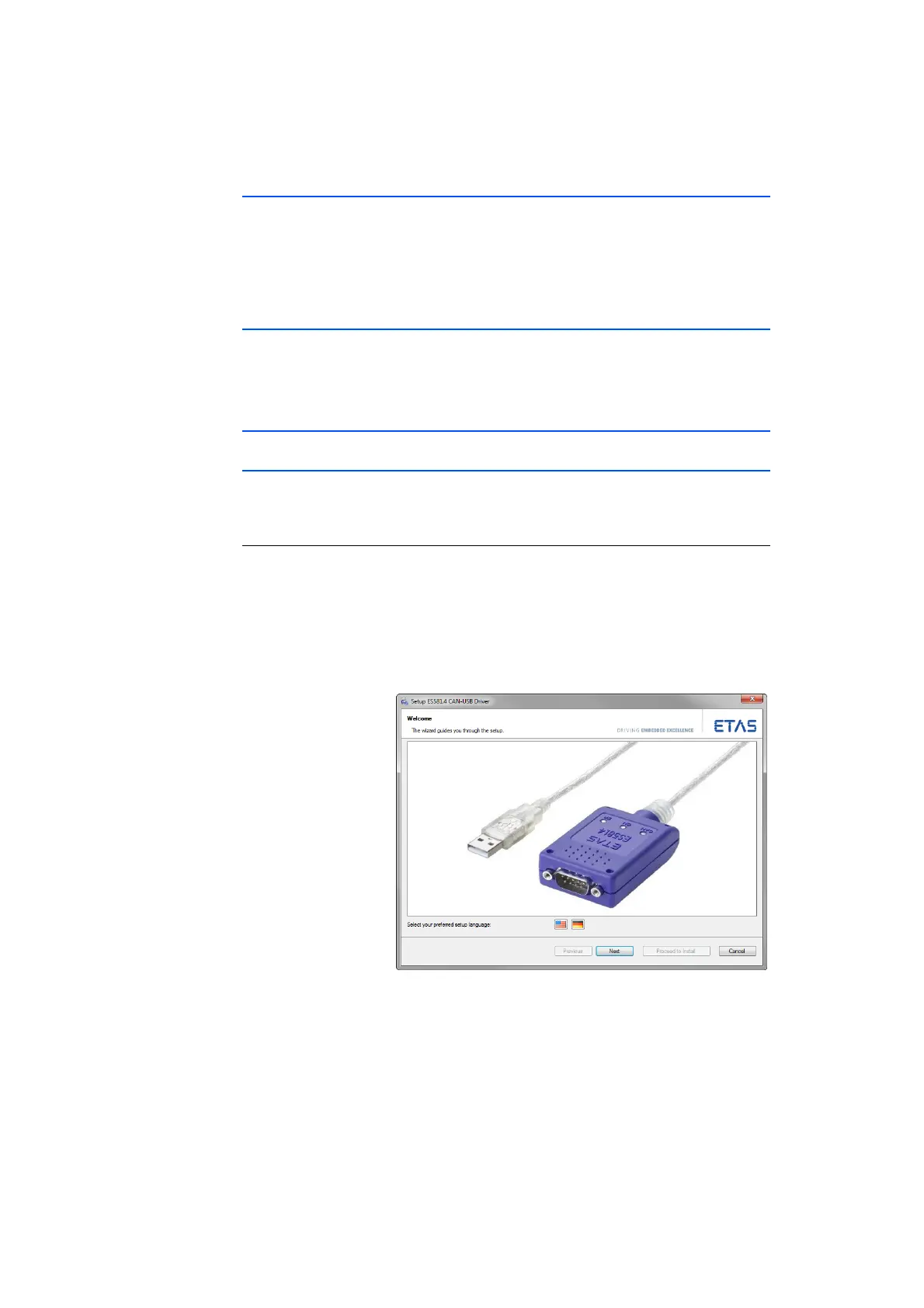
The ETAS program for installing the ES581.4 USB
drivers is started.
• Select your preferred setup language (English or
German).
• Click Next and follow the ETAS ES581.4 USB Driver
Installer instructions.



 To Next Page