ES581.4 - User’s Guide24
Getting Started ETAS
3.3 ES581.4 J2534 Drivers
3.3.1 Installing the ES581.4 J2534 Drivers
There is no difference in procedure between ES581.4 installation from a
CD-ROM and from a network drive.
Installing the ES581.4 J2534 driver:
• From the Main window, select Drivers.
The Drivers window opens.
• Select Install ES581.4 - J2534 Drivers.
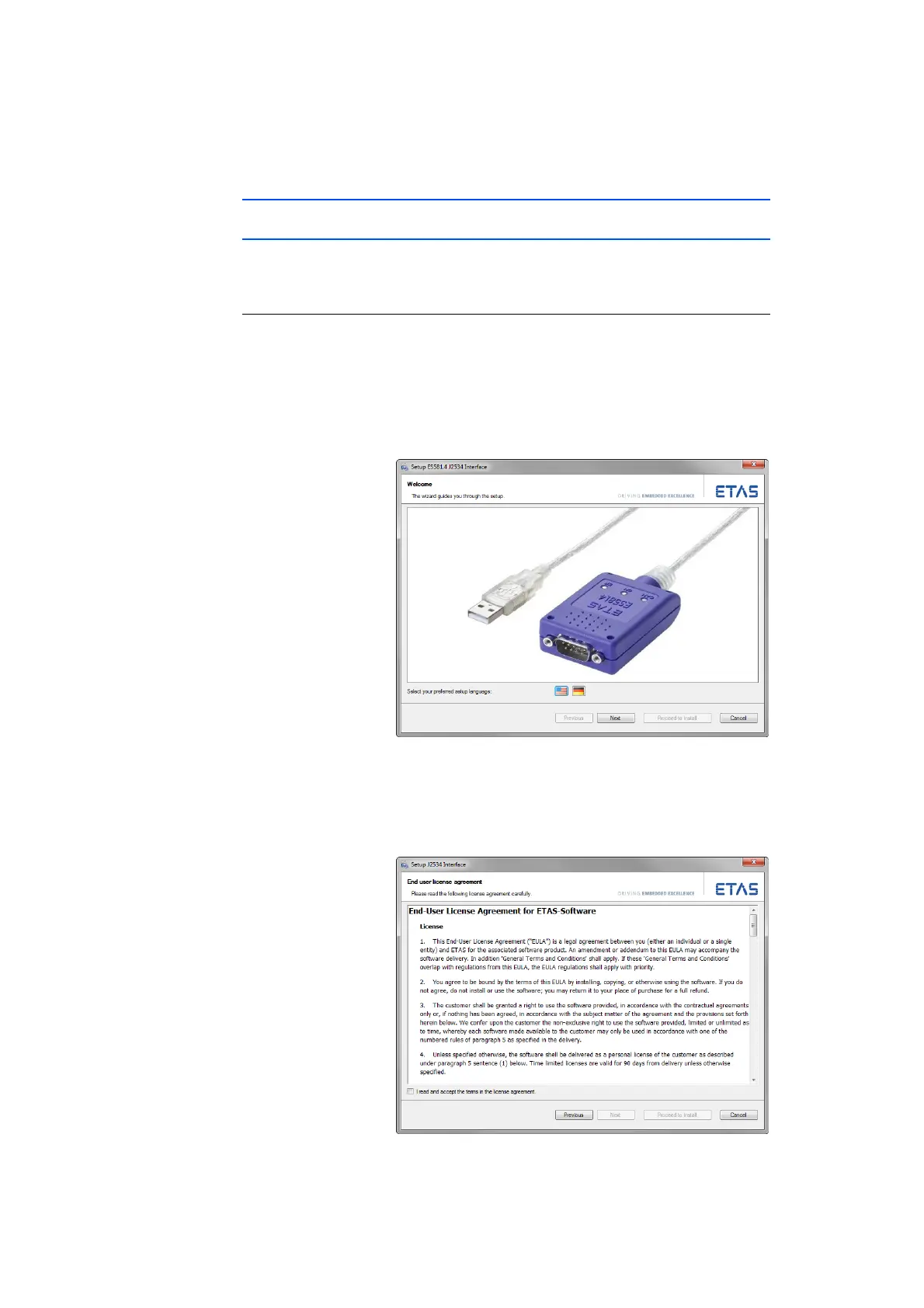
The ETAS program for installing the ES581.4 J2534
drivers is started.
• Select your preferred setup language (English or
German).
• Click Next and follow the ETAS ES581.4 J2534
Driver Installer instructions.



 To Next Page