Use Fixture in DMX Mode 13
Set DMXAddress
In the DMX screen, turn the green encoder to set the DMX address. The default address is 001.
Set DMXMode
In the DMX screen, turn the blue encoder to set the DMX mode.
Direct: Direct control of emitters.
Expanded: Combines RGBcontrol with Studio control. The Mix control channel in
Expanded mode moves control from full RGB mode to full Studio mode.
Studio: CCT (Correlated Color Temperature) control, Tint control (from -10 to 10 green),
and Tuning control ranging from Brightest to Spectral. This is the default mode for
Daylight HDR fixtures.
3 Ch RGB: Standard RGB control. In RGB mode, the Curve is always set to Incandescent
and the Fan is always set to Auto. This is the default mode for Lustr X8 fixtures.
1 Channel:Intensity control for preset 1. (See
Preset Mode on page20
.) In 1 Channel
mode, the Curve is always set to Incandescent and the Fan is always set to Auto.
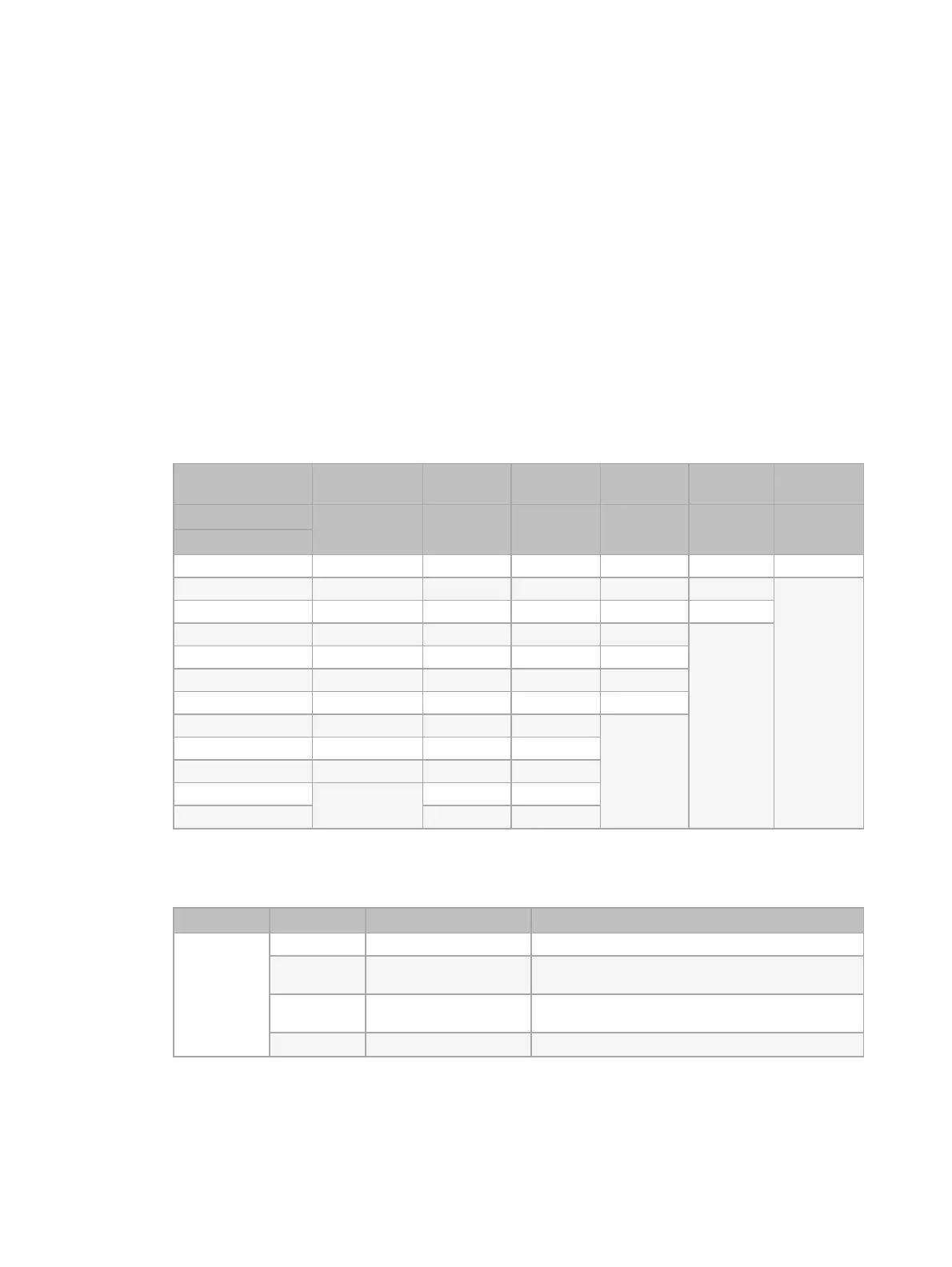
DMXModes
Direct
(DaylightHDR)
Direct
(Lustr X8)
Expanded Studio 3 Ch RGB 1 Channel
RDMPersonality ID
1 1 2 3 4 5
DMXChannel
1 Intensity Intensity Intensity Intensity Red Intensity
2 Deep Red Deep Red CCT
*
CCT
*
Green
3 Red Red Tint
*
Tint
*
Blue
4 Mint Amber Tuning
*
Tuning
*
5 Cyan Lime Mix
*
Strobe
*
6 Blue Green Red Curve
*
7 Indigo Cyan Green Fan
*
8 Strobe
*
Blue Blue
9 Curve
*
Indigo Strobe
*
10 Fan
*
Strobe
*
Curve
*
11 Curve
*
Fan
*
12 Fan
*
* See
DMX Control Channels below
for the DMXvalues that set these parameters.
DMX Control Channels
Parameter DMX Value Description Comments
CCT 0 3200K
1–165
1900–6000K
CCTvalues increase by 25 for each DMX value
(1=1900K, 2 =1925K, etc.).
166–254 6050–10,450K CCTvalues increase by 50 for each DMX value
(166=6050K, 167=6100K, etc.).
255 5600K














 To Next Page