U2836 Operation Manual Chapter 2 Introduction
9
displayed in the soft key zone. You can choose a unit soft key or press [ENTER]
to end data inputting. When [ENTER] is used to terminate data inputting, the
unit of data will be set to a default unit, such as Hz, V or A. For example, the
default unit for frequency is Hz.
2.6 Start the instrument
Plug in 3-line power plug.
Caution: Keep the power-supply voltage and frequency conform to above
specifications. Power input phase line L, zero line N, ground line E should be the
same as that of the instrument.
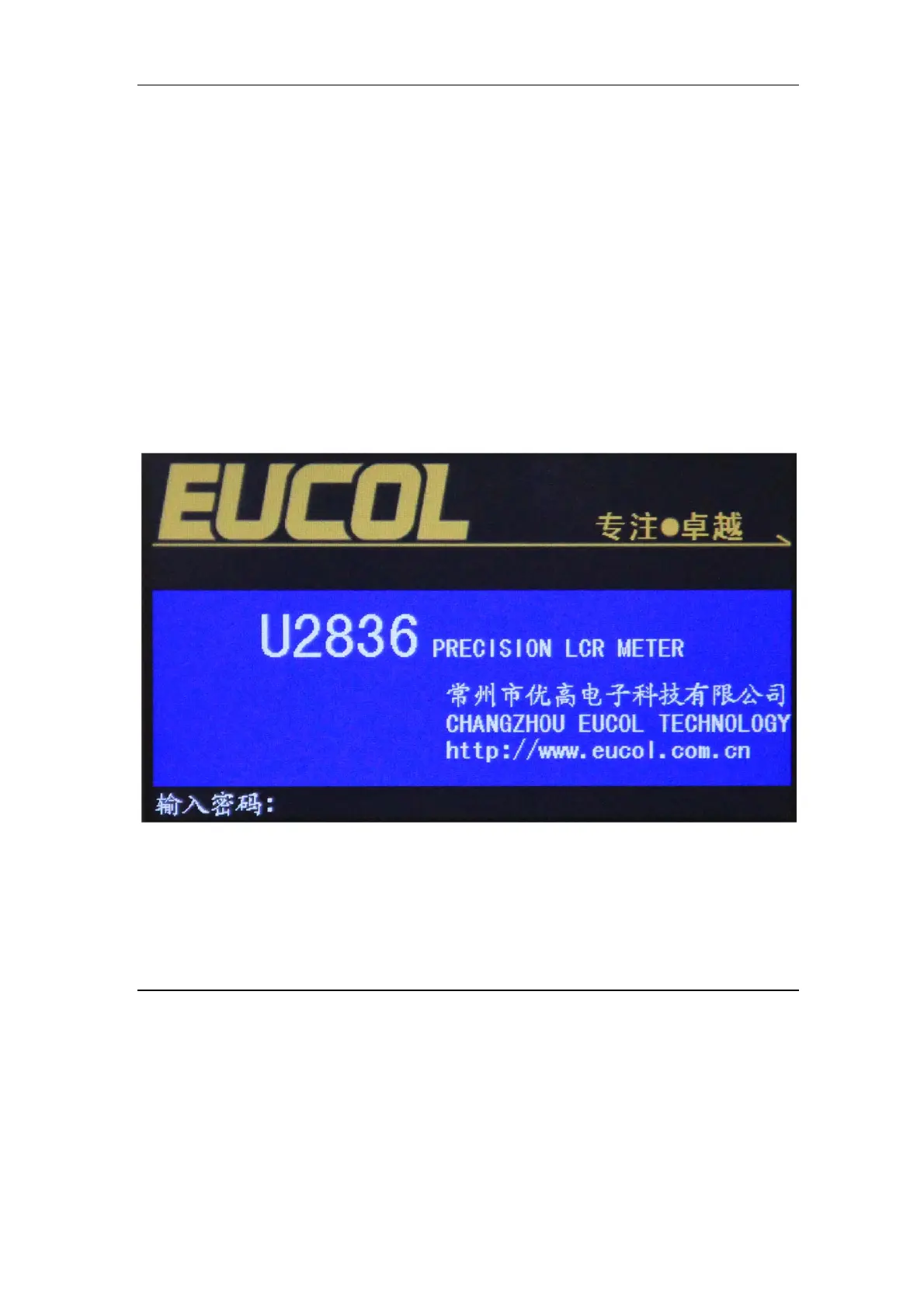
Press the power switch at the left corner on the front panel and then a boot screen
will appear which displays our company logo.
If the password protection function is on, users are required to input the
password and then press [ENTER] to enter into the page of main menu.
———————————————————————————————————————
Note: The instrument has a default password-123456. In your practical use,
you can change it and set your own one. Please see <SYSTEM> section for more
information.


 To Next Page