U2836 Operation Manual Chapter 3 Introduction to [MEAS DISP]
24
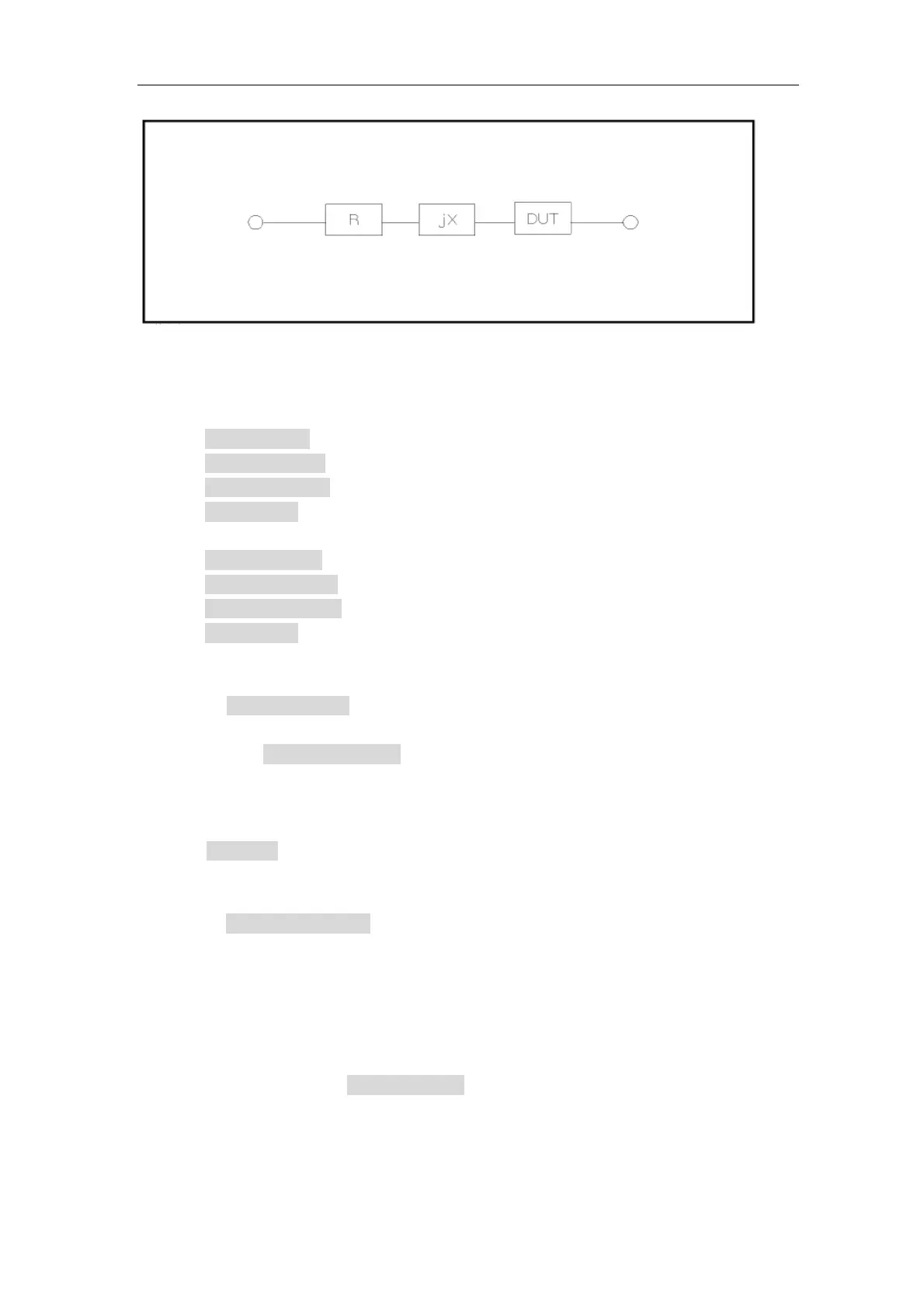
Figure 3-2 Spurious Inductance
Operation steps of short correction function
1) On <MEAS DISP> page, press the key [CLEAR], the following soft keys will
be displayed:
SPOT OPEN
SWEEP OPEN
OPEN OFF ON
MORE 1/2
2) Press the soft key MORE 1/2, the following softkeys will be displayed:
SPOT SHORT
SWEEP SHORT
SHORT OFF ON
MORE 2/2
3) Connect the test fixture to the test ports. Short the test fixture by using short
plate.
4) Press SPOT SHORT, U2836 will make short correction on the current
frequency.
5) Press the SWEEP SHORT soft key, U2836 will test the short spurious
impedances (resistance and reactance) of 37 frequencies. Short full
frequency correction takes about 20 seconds and in this process, the
following soft keys will be displayed.
CANCEL
This soft key can be used to cancel the current short correction operation and
reserve the formal open correction data.
6) Press SHORT OFF ON to turn ON/OFF the short correction function. If
ON,U2836 will make short correction calculation in latter test. If OFF, no short
correction calculation will be performed in later test.
3.5 <LIMIT TABLE>
Press [SETUP] and then LIMIT TABLE to enter into the <LIMIT TABLE> page
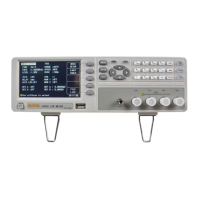
as the following figure shown.


 To Next Page