U2836 Operation Manual Chapter 4 System and FILE
33
USBCDC
2) Use above soft keys to select the required interface bus.
———————————————————————————————————————
Note: GPIB optional must be installed before GPIB mode is available.
———————————————————————————————————————
4.1.9 BAUD RATE
Baud rate is used select the baud rate of the RS232C interface. The available baud
rate of this instrument is from 4.800k to 115.200k.
Operation steps for setting the baud rate
1) Move the cursor to BAUD RATE
, the following soft keys will be displayed.
1200
9600
19200
38400
57600
115200
2) Use above soft key is to set the baud rate.
4.1.10 DATA/TIME
When moving to the time zone, user should input the password to enter.
4.1.11 SYSTEM INFORMATION
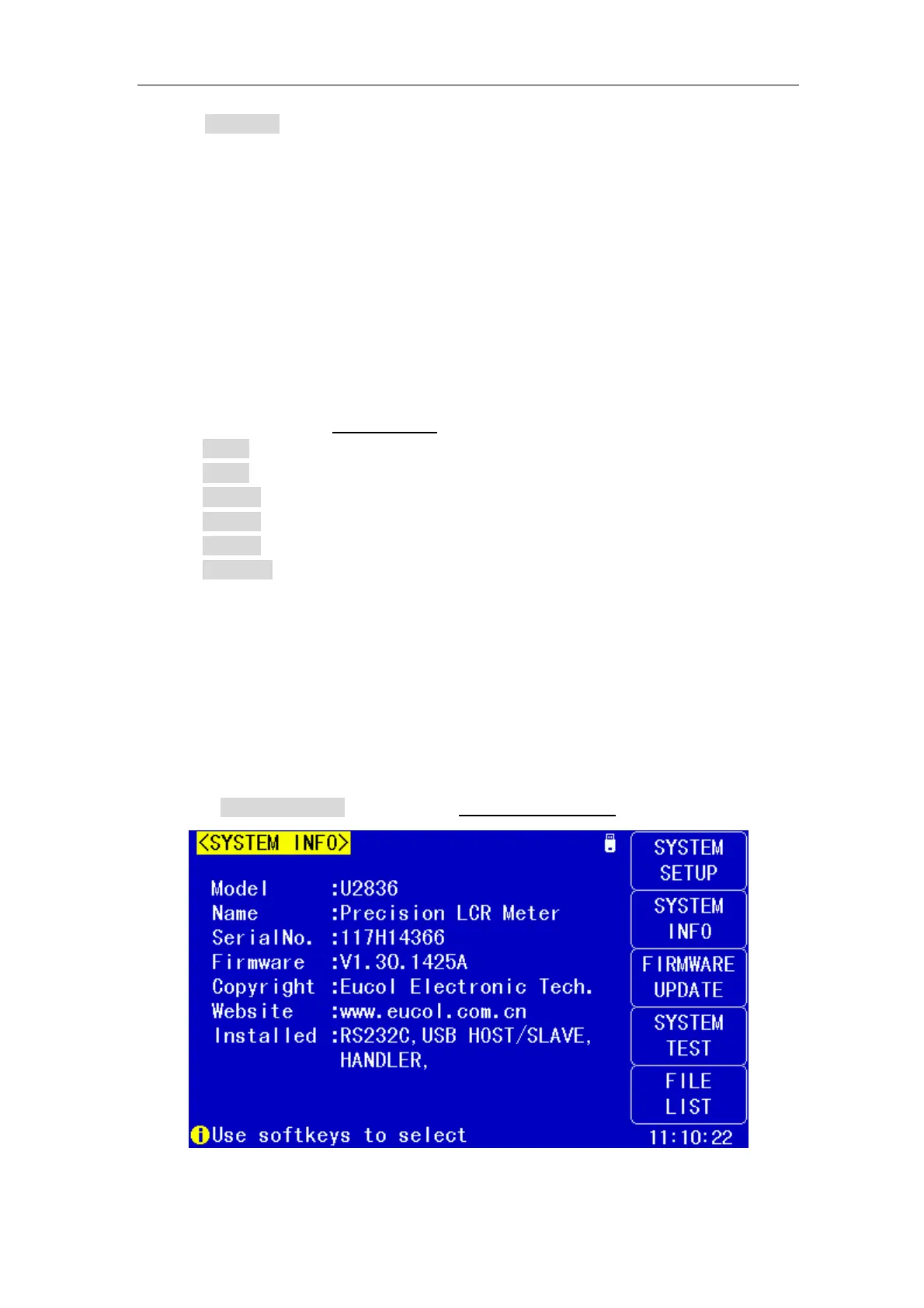
Press SYSTEM INFO enter into the <SYSTEM INFO> page shown as below.


 To Next Page