EVER UPS SINLINE RT / RT XL series instruction manual
Pomoc Techniczna, tel.: +48 61 6500 400
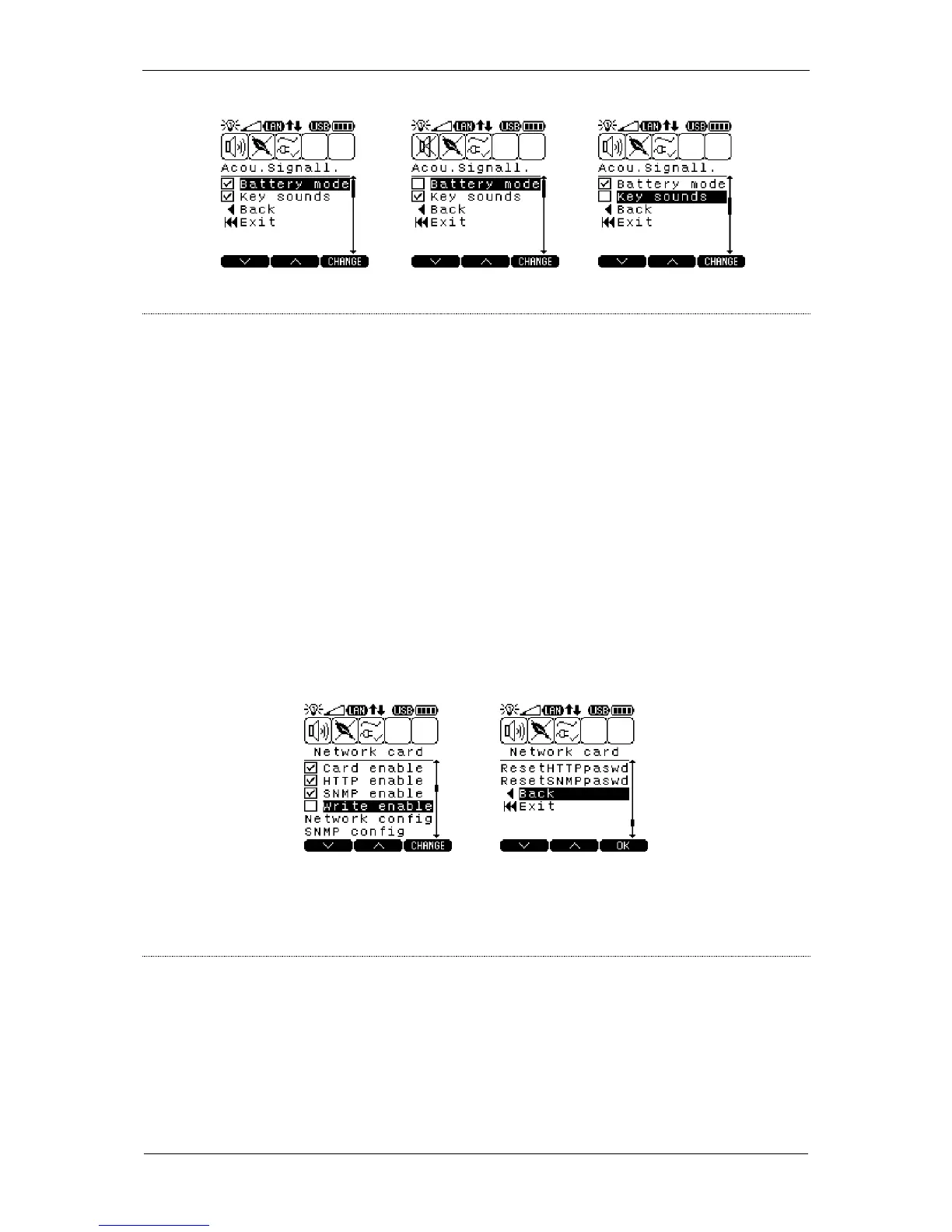
Description: Network card parameter settings
– activating the built-in network card The option must be
active for the HTTP and SNMP protocols to operate.
– activating the HTTP protocol
– activating the SNMP protocol
– permission to modify the UPS unit's operating parameters
through HTTP and SNMP protocols
– configuring the card's network interface (with submenu
described menu)
– configuring the SNMPM parameters (with submenu
described menu)
– restoring default logging parameters (username: ever,
password: ever)
– restoring default passwords for the SNMP protocol (read:
public, save: private, notifications: trap)
NETWORK CONFIGURATION 1/2
Description: Configuration of network card parameters
– automatic configuration of network card parameters through
the DHCP server If this option is selected, the card's IP
address, subnet mask and default gateway parameters are
automatically downloaded from the DHCP server.



 To Next Page