EVER UPS SINLINE RT / RT XL series instruction manual
Pomoc Techniczna, tel.: +48 61 6500 400
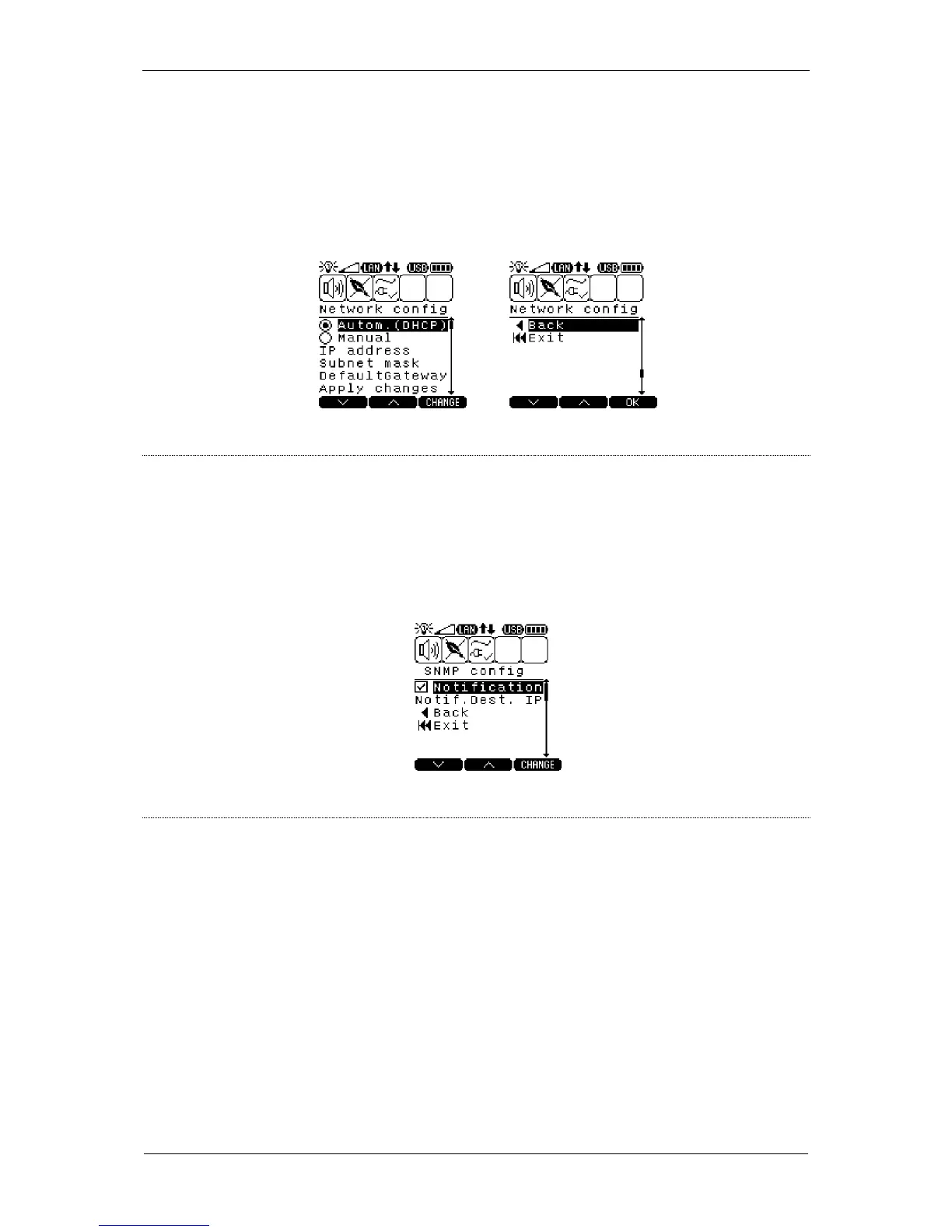
– manual configuration of network card parameters The
card's IP address, subnet mask and default gateway
parameters must be configured correctly.
– the device's IP address
– default gateway's IP address
– confirming changes to the card's configuration
Description: SNMP protocol parameter settings
– activation / deactivation of sending Trap messages
– IP address of the PC to which SNMP notifications will be
sent (Trap messages)
Description: selecting the language of the displayed messages



 To Next Page