95
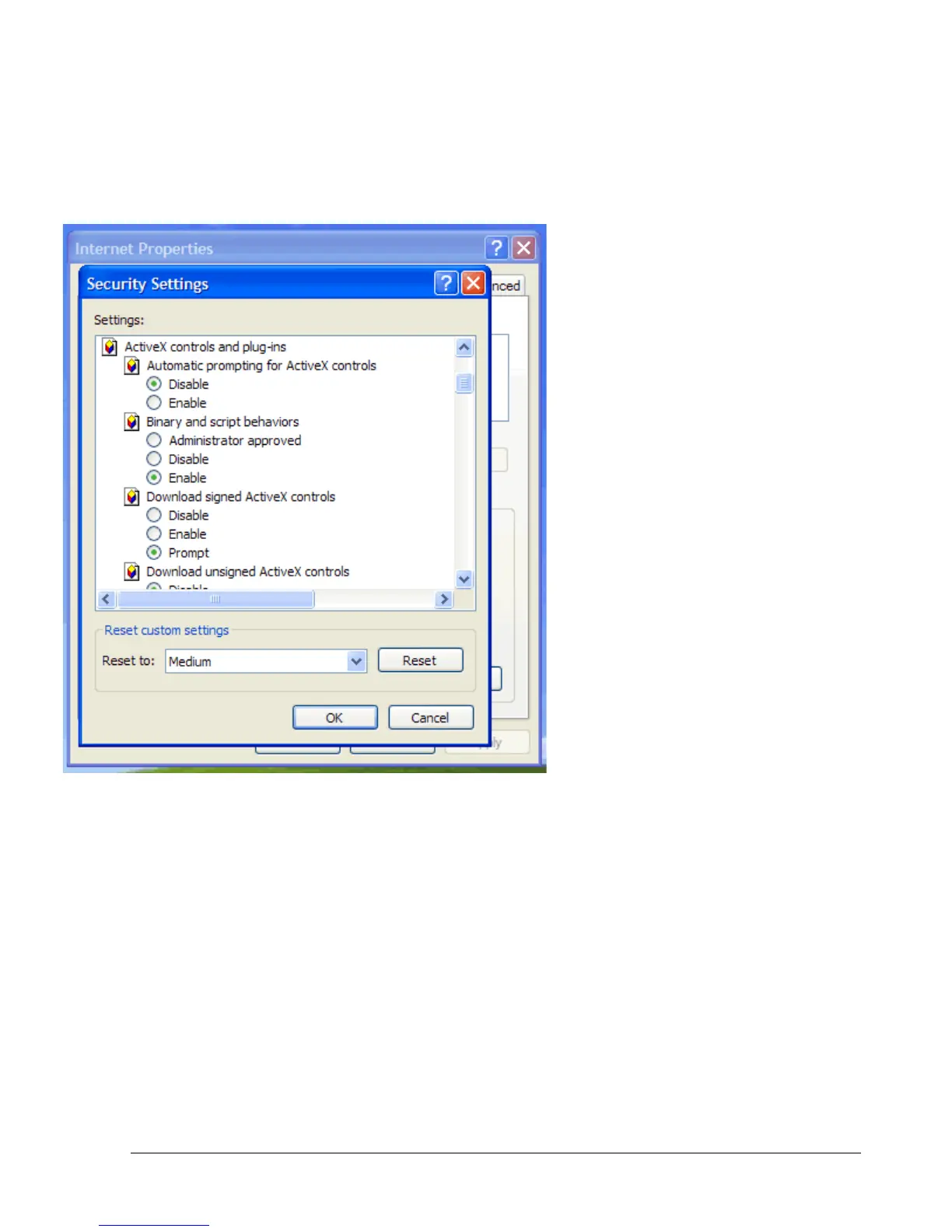
Once in CUSTOM LEVEL, Scroll down to ACTIVEX CONTROLS AND
PLUG-INS. Set the Following Settings:
Download Signed ActiveX controls:
Prompt
Run ActiveX controls and plug-ins:
Enable
Script ActiveX controls Marked safe
for scripting:: Enable
If you are still not able to load the active X control, change RESET CUSTOM
SETTINGS to low and then click on RESET.
Once Enabled, Click on OK on the Security Settings window. Then click on apply on the
Internet Options window and finally click OK.














 To Next Page