80
8. Screen Display Setting & Mode
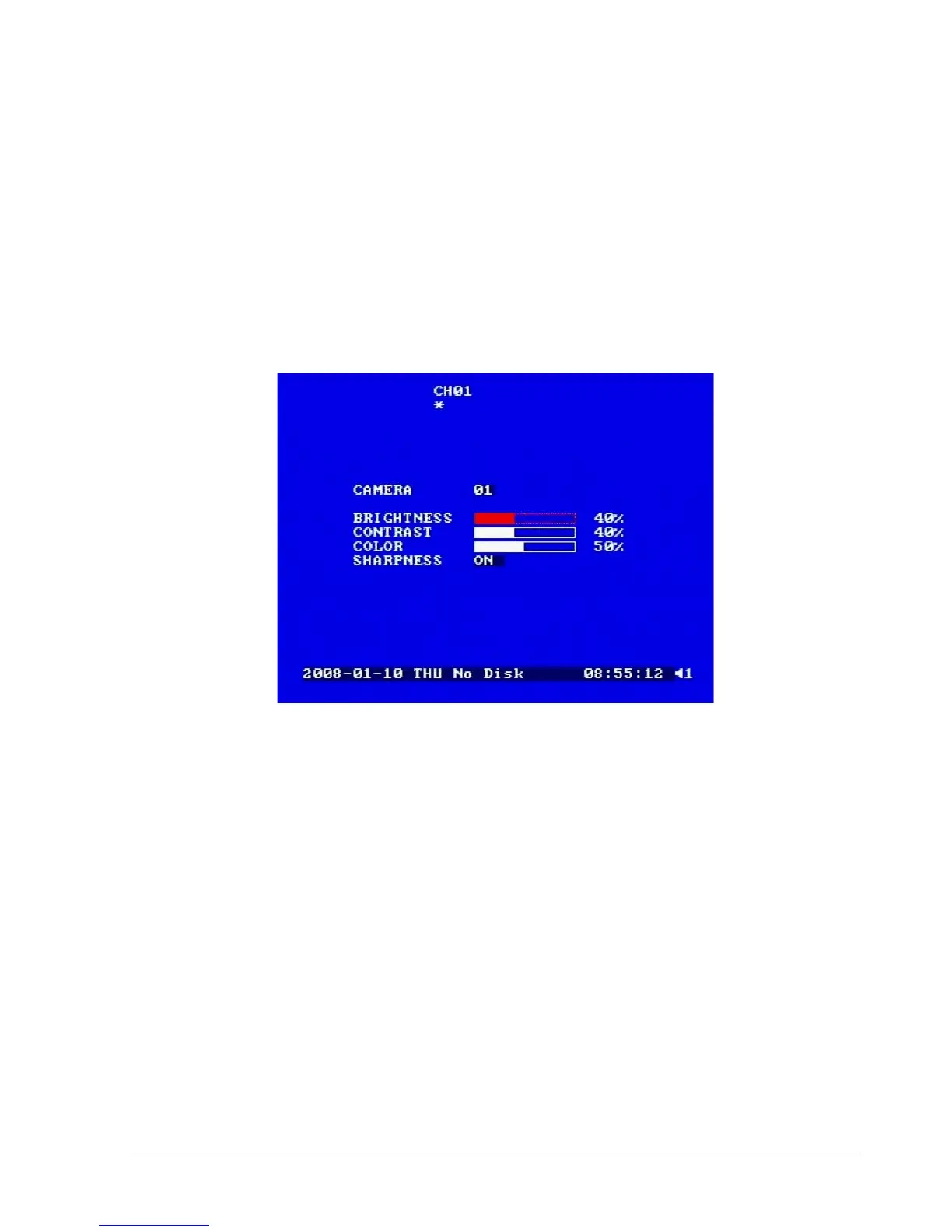
In a full screen display, press SELECT key to pop up the display adjustment window as below:
Diagram 8.1
In the screen display setting menu, we define:
1. CAMERA: The current camera. (cannot be changed)
2. BRIGHTNESS: The brightness percentage of the current camera; from 0% to 100%.
3. CONTRAST: The contrast percentage of the current camera; from 0% to 100%.
4. COLOR: The color percentage of the current camera; from 0% to 100%.
5. SHARPNESS:
By turning SHARPNESS ON, the image will become sharper and clearer in live mode. This
option is suitable for indoor use.














 To Next Page