45
10. BW CONTROL
This configuration allows user to control the bandwidth of DVR.
11. MAC ADDR
This field is for those Internet service providers or Network administrators who require a MAC
address of the network card of the DVR. This option cannot be changed.
3.7.2 ALARM (NETWORK)
DVR can send out Alarm message to an Alarm Server. This function is reserved to work with our
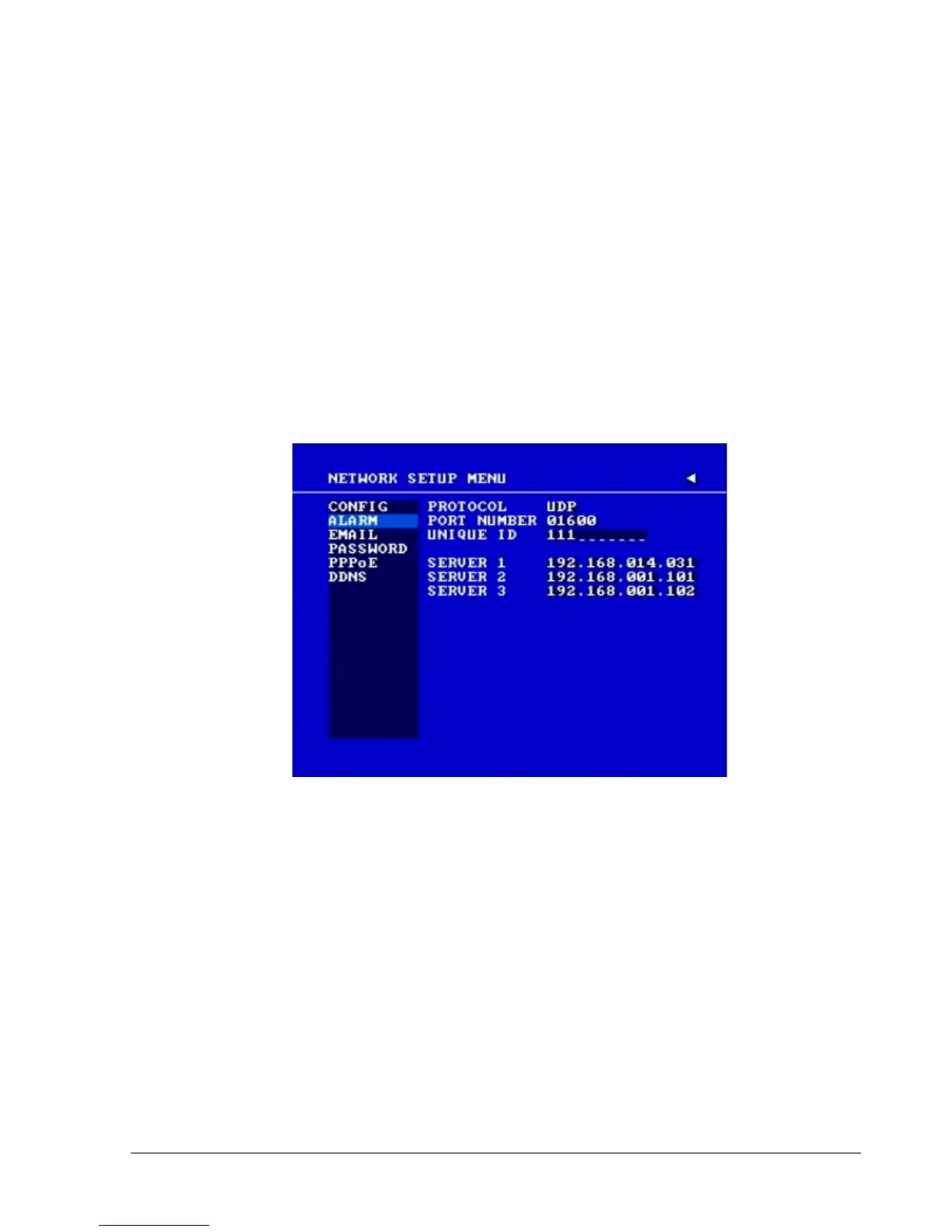
Control Management System – PowerCon4. In the ALARM of the NETWORK SETUP MENU,
we define:
Diagram 3.11
Note: Since every Network Configuration is different, please contact your Network
Administrator or ISP for how to assign those IP addresses and port numbers.
1. PROTOCOL: Select which communication protocol with Alarm servers or Alarm receiving
clients.
TCP: communicate with client via TCP protocol.
UDP: communicate with client via UDP protocol.
2. PORT NUMBER: setting the communication port with Alarm server.
3. UNIQUE ID: setting the ID number of your DVR to Alarm server.














 To Next Page