7
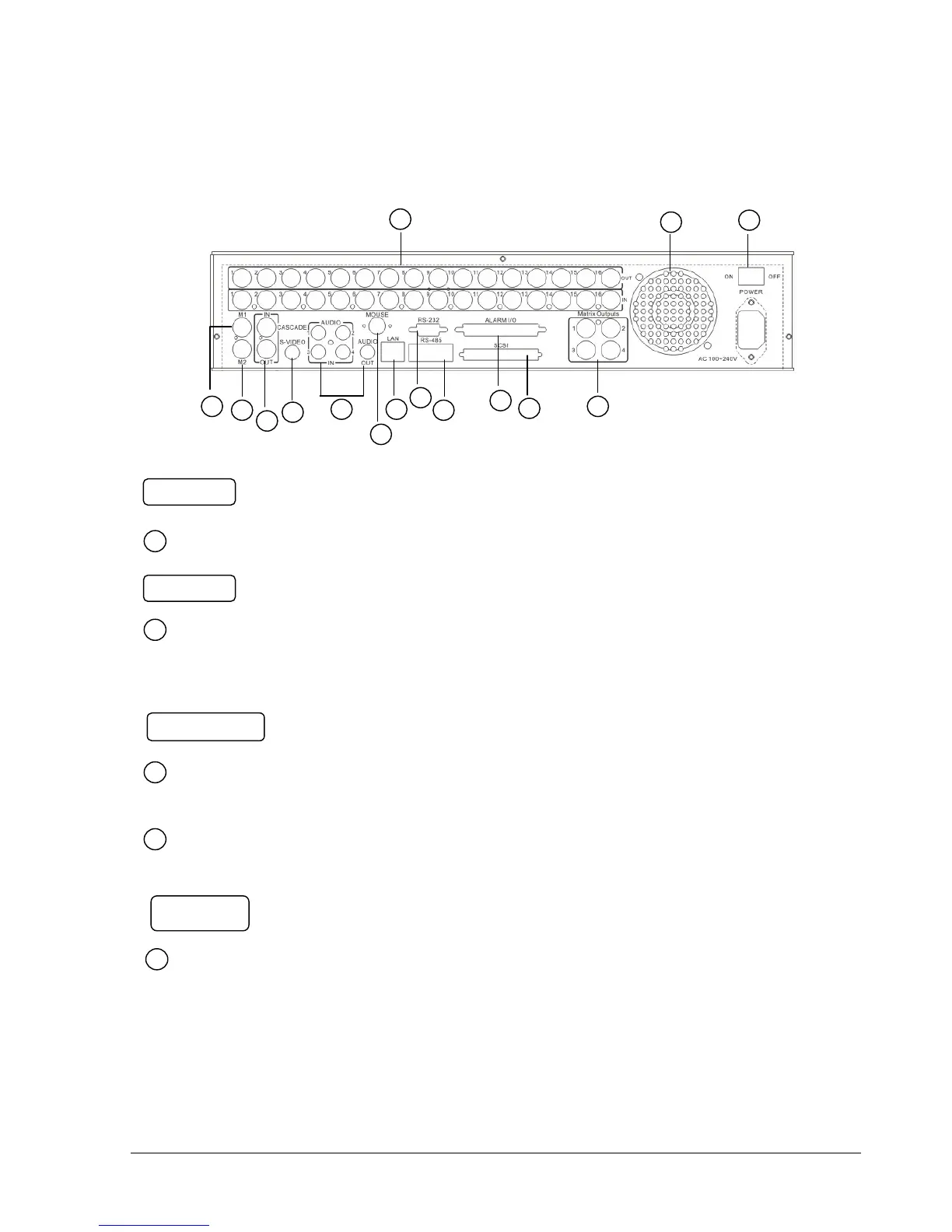
1.4 Back Panel Connections
Audio IN: Audio inputs 1~4 for recording, and it can be set to “YES” or “NO”
in the RECORD SETUP MENU.
Audio OUT: Connect an audio output to a monitor or other device.
Main Power plug: power source to AC 100~ 240V.
MAIN MONITOR: This connector is used for the main monitor display, a
number of different display modes may be selected for viewing.
CALL MONITOR: This connector is used for the call monitor. This monitor
can only display a full screen.
For EDR1640/1620 Series:
VIDEO OUT(1~16): Top row BNC connectors for video looping out 1~16.
VIDEO IN(1~16): Bottom row BNC connectors for video input 1~16 .














 To Next Page