108
13. EverFocusDDNS Setup
Note: You MUST have firmware version 1.6.2 or higher in order to use the
EverFocus DDNS server.
Set up the Network Menu according to the instructions detailed in the Networking chapter.
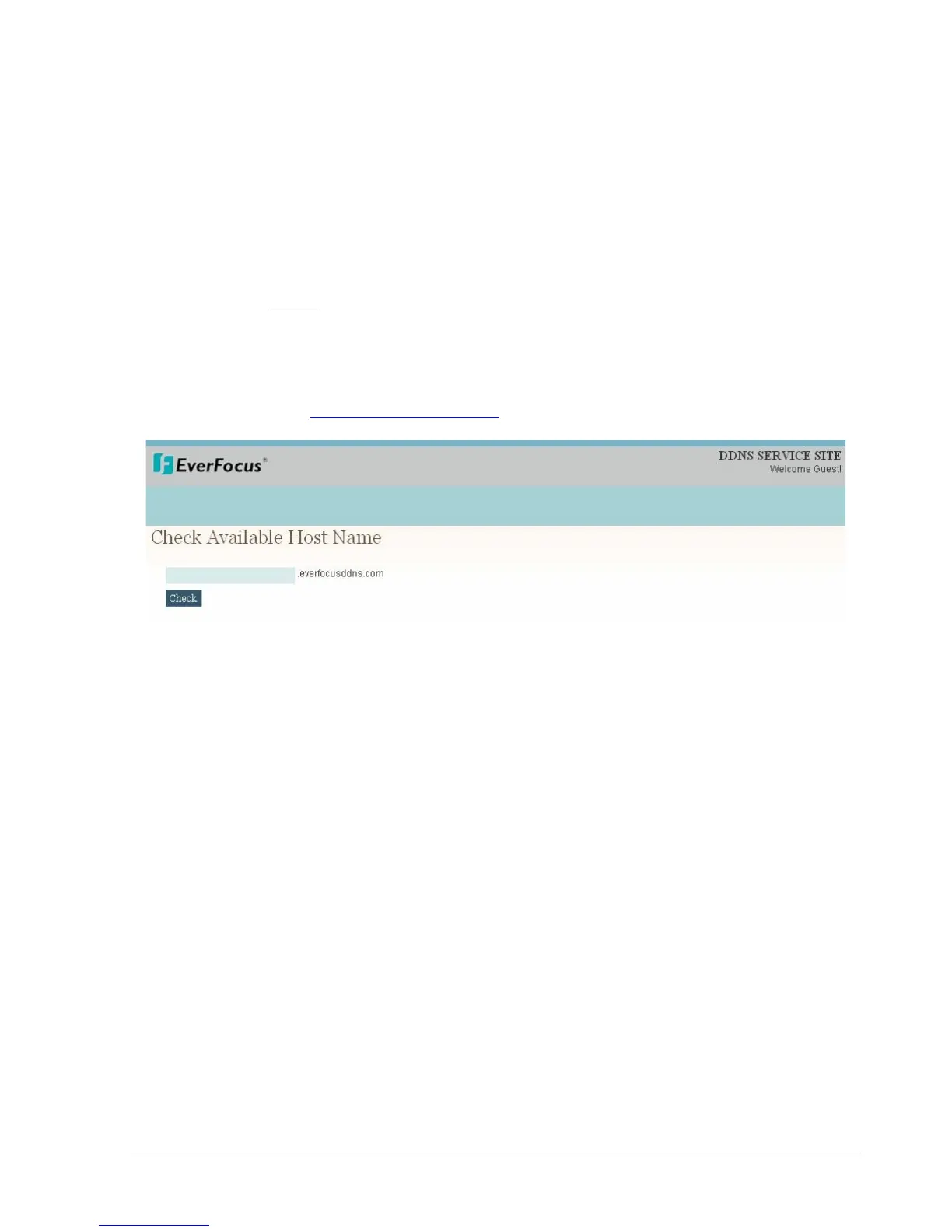
Go to the website http://everfocusddns.com and check for an available name.
In DVR’s Network Menu, go to DDNS. Choose “everfocusddns.com” for the Server and
put in your chosen name for DVR Name.














 To Next Page