51
3.8 Schedule Setup Menu
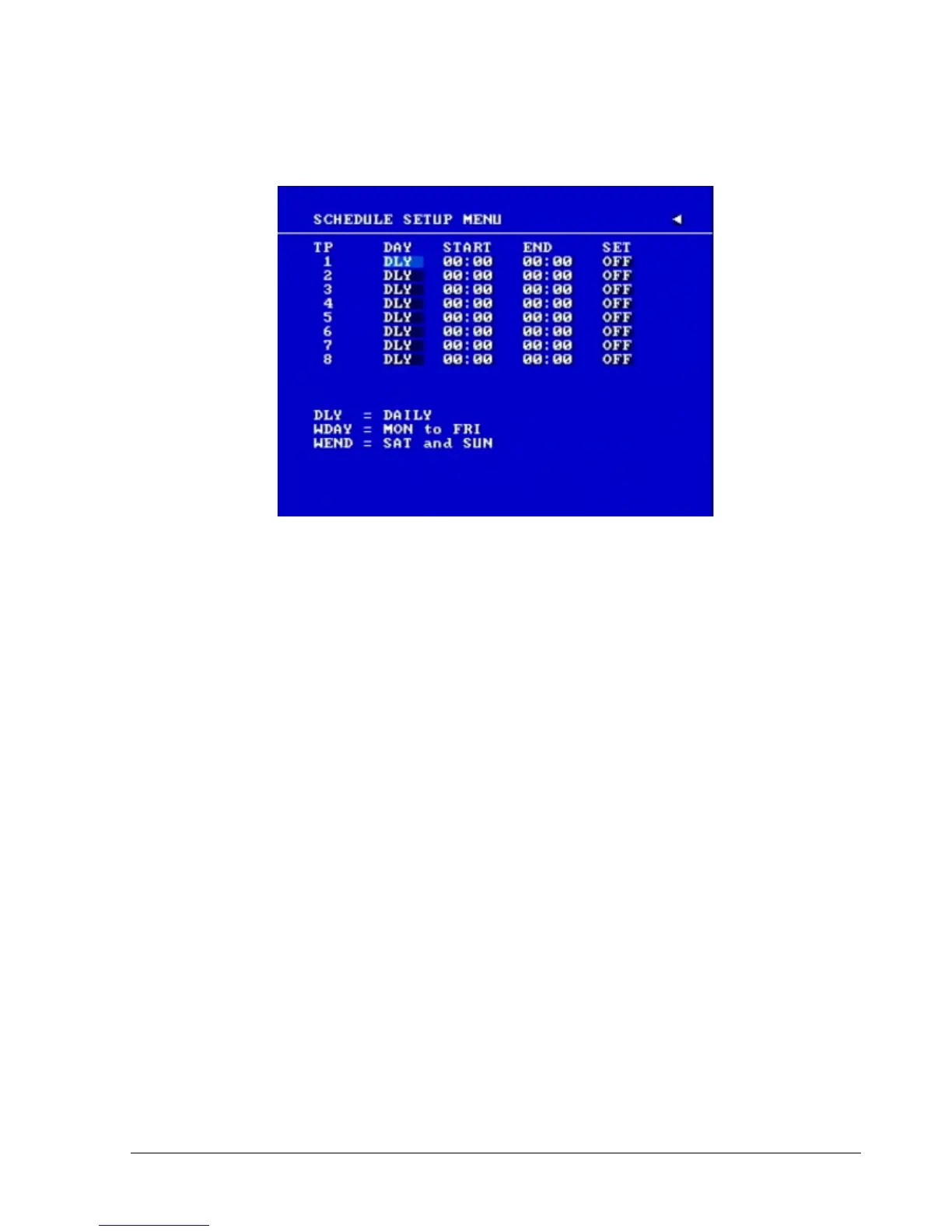
Diagram 3.16
Diagram 3.16 is a screen shot of the SCHEDULE SETUP MENU. In this menu you can set a
unique timer to start recording from a specified start time to an end time. This menu works together
with the CAMERA menu; you will notice TP (time period) 1~8, which is also seen in the CAMERA
menu.
In the SCHEDULE SETUP MENU the following fields are defined as:
1. DAY
This field represents the day of the week you wish to set the timer record for. Initially it is set to
DLY as default. You may choose from MON-SUN as well as WDAY, WEND, and DLY. To
change this, simply use the Jog Dial on the DVR.
MON (Monday), TUE (Tuesday), WED (Wednesday), THU (Thursday), FRI (Friday), SAT
(Saturday), SUN (Sunday).
WDAY: Weekday, from Monday to Friday.
WEND: Weekend, Saturday and Sunday.
DLY: Daily, every day of the week.
2. START
This field is used to set the time you wish to start the timer recording. To change this, simplyuse
the Jog Dial on the DVR.














 To Next Page