110
14. Viewingthrough Internet Explorer
To access the DVR from a computer simply open Internet Explorer and in the address bar
type:
http:// (LAN or IP address of your internet service provider)
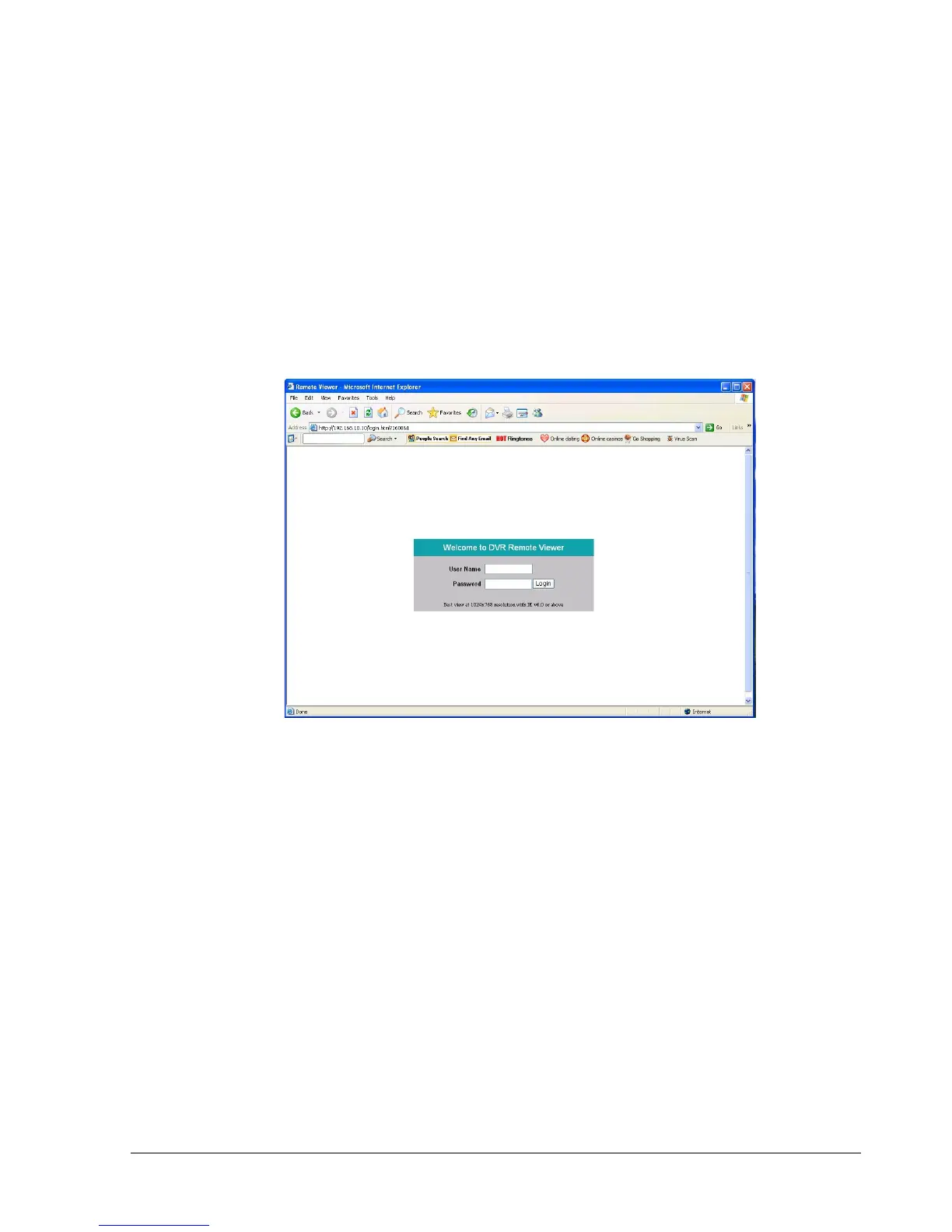
The digital video login page will appear on the screen similar to the one shown above.
User must enter a user name and password to access the recorder. You can find your user
name and password in the Network setting menu of your DVR.
The Default user name and password are admin and 11111111. (Remote user ID and
Password can be found in the Network Menu)
Then click on the submit button and you will be logged into your recorder.














 To Next Page