109
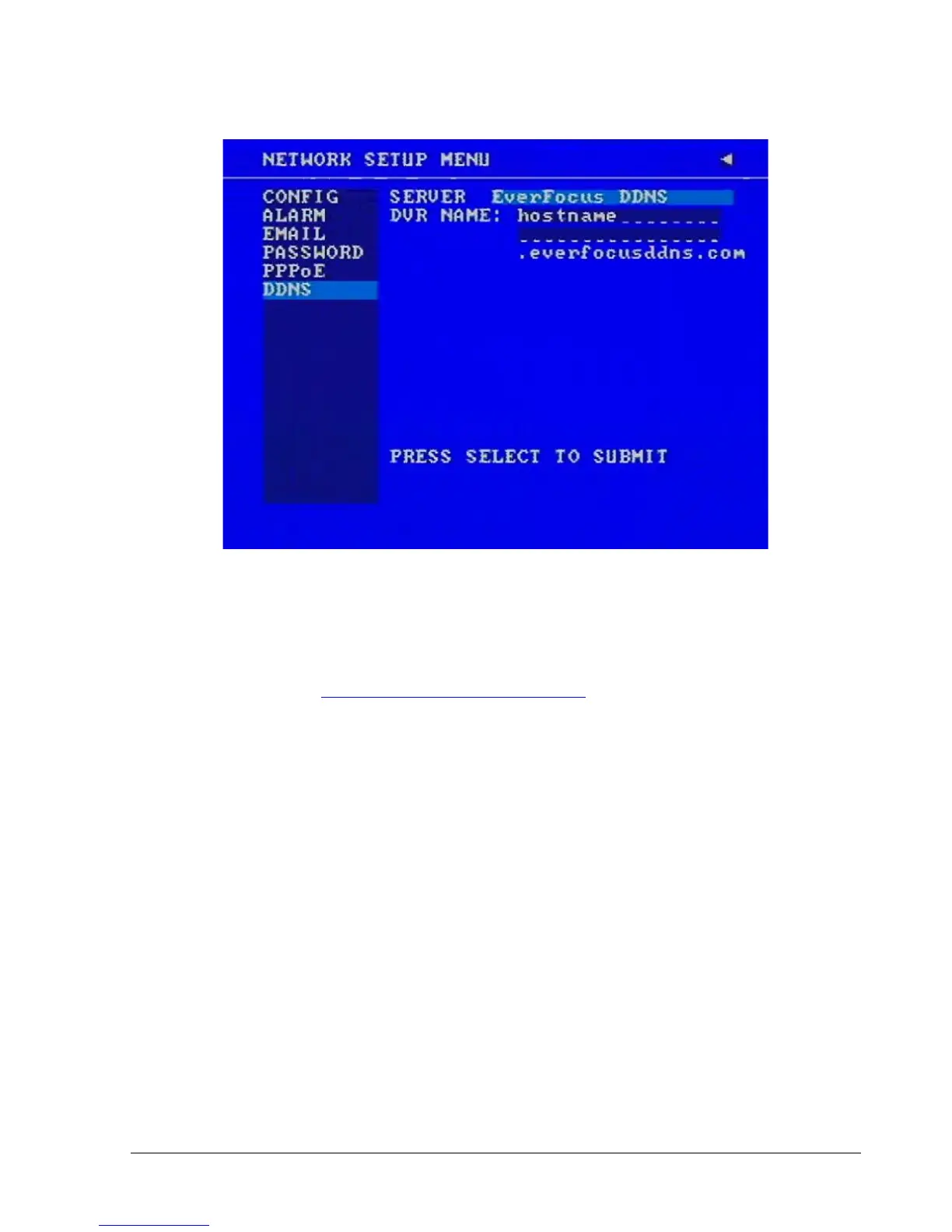
Press the Select button to synchronize the DVR with the DDNS server. You should see the
word “Success” at the bottom of the screen. If you see “Could Not Find Server” instead,
double check your network settings until you get “Success”.
You should now be able to connect by typing in the host name you created.
Example: http://hostname.everfocusddns.com














 To Next Page