71
(4) Slow Forward/Reverse Playback
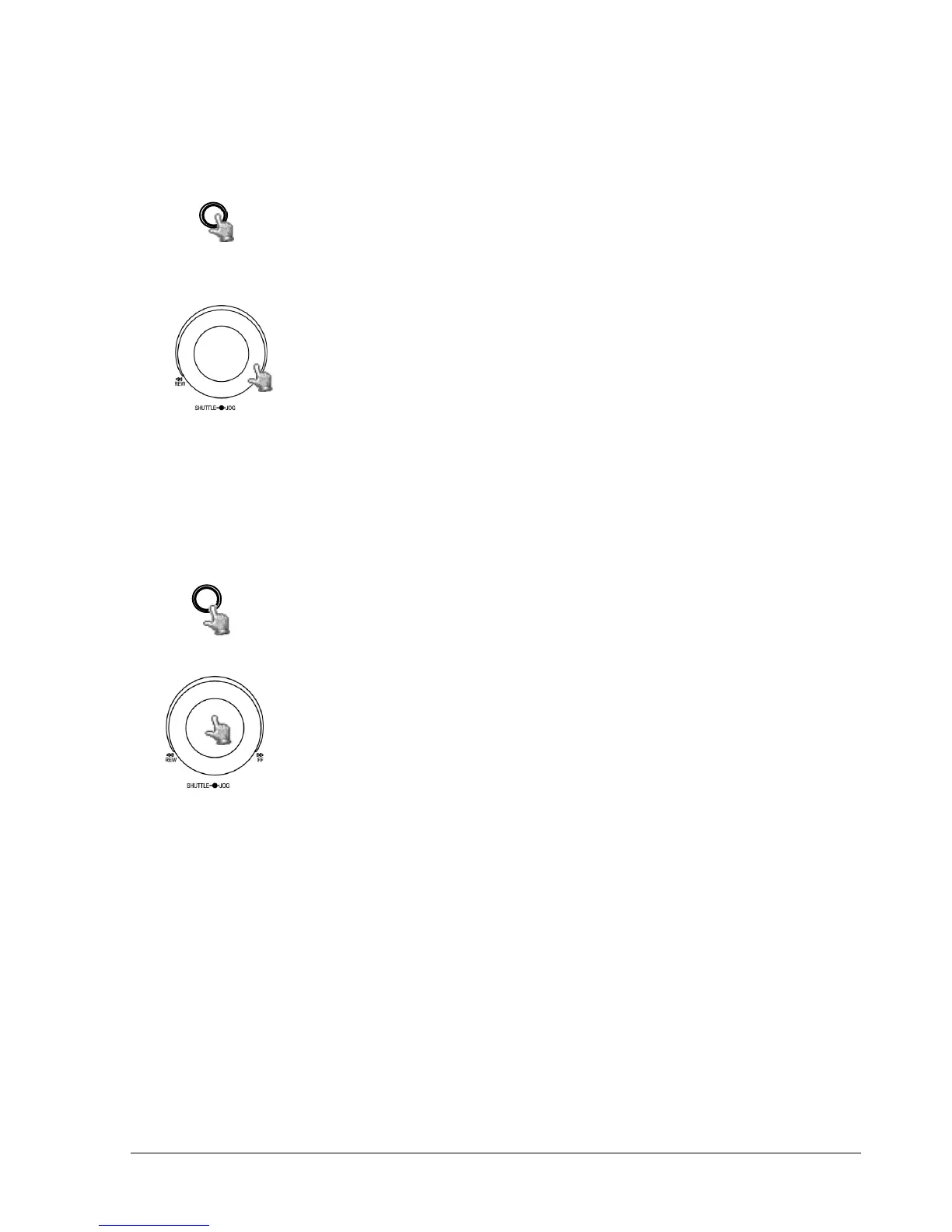
During playback mode, press PAUSE key to freeze the playing
back picture.
Turn the Shuttle dial clockwise to begin slow forward playback.
Turn the Shuttle dial counterclockwise to begin slow reverse
playback.
The speed will show on the status bar of the bottom screen.
The available speeds are 1/2, 1/4, 1/8, 1/16, and 1/32. You can
either manually hold the shuttle dial in the position or press
ENTER while holding the dial to lock the speed that is desired.
5.2 Search Playback
Press SEARCH key to enter the SEARCH Menu.
In the SEARCH MENU, Dial the Jog clockwise or counterclockwise to
change subentry values.
Press ENTER key to go to next subentry in search menu setting,
and press the CALL key to go to previous subentry in search
menu setting.
Press MENU to exit.
Press SELECT or the tilt wheel of the mouse to start search.














 To Next Page