72
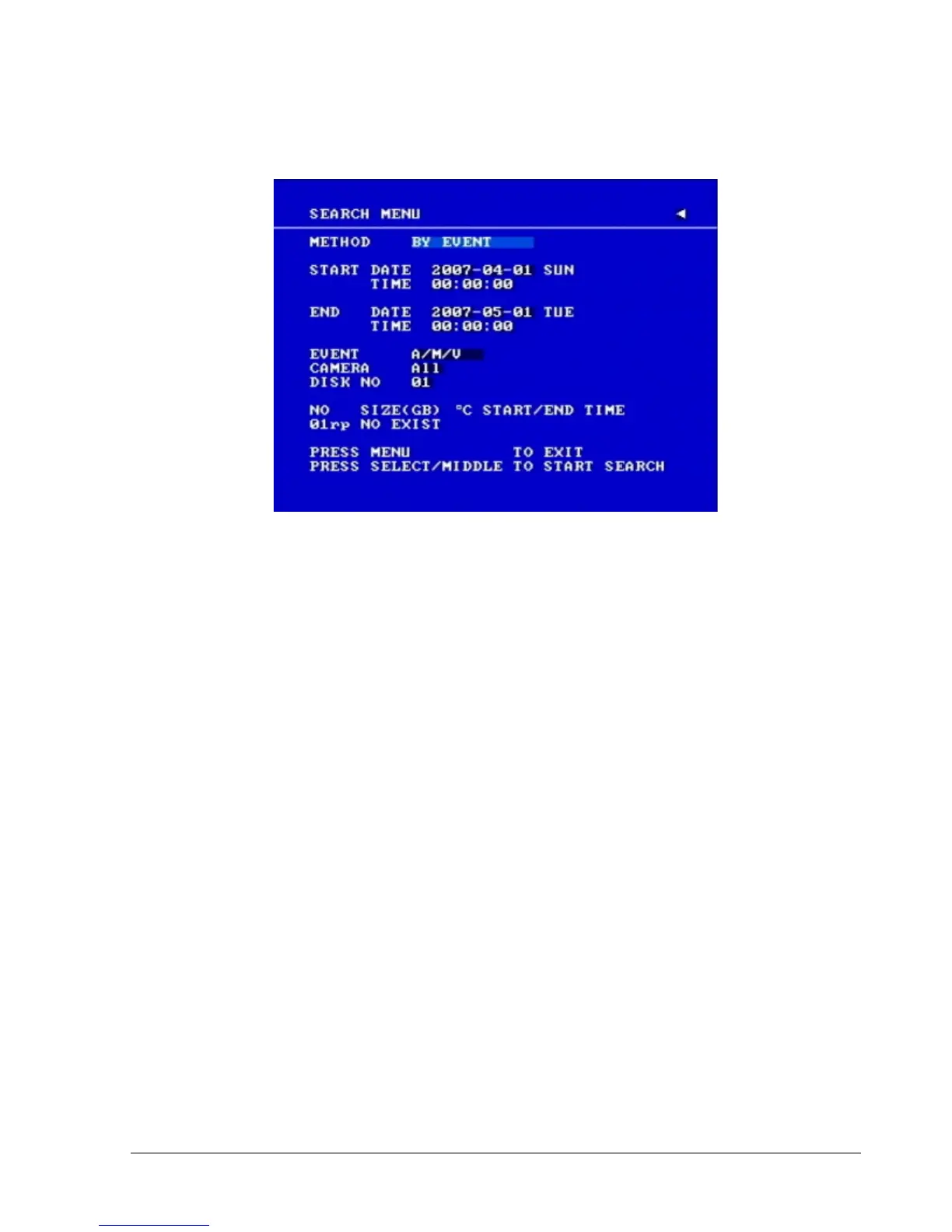
Diagram 5.1
(1) TIME / DATE Search Playback
The SEARCH MENU will show up after pressing SEARCH key. Select “BY TIME / DATE”,
and then select the start date/time you want to search. Then, select the camera number and Disk
Number to be searched. Lastly, press SELECT or the tilt wheel of mouse to start search.
Note:
If there is no video stored in the date/time specified, then the image will show the end of the
last playback, and the display time on the status bar will show “??:??”.














 To Next Page