119
14.1 Search
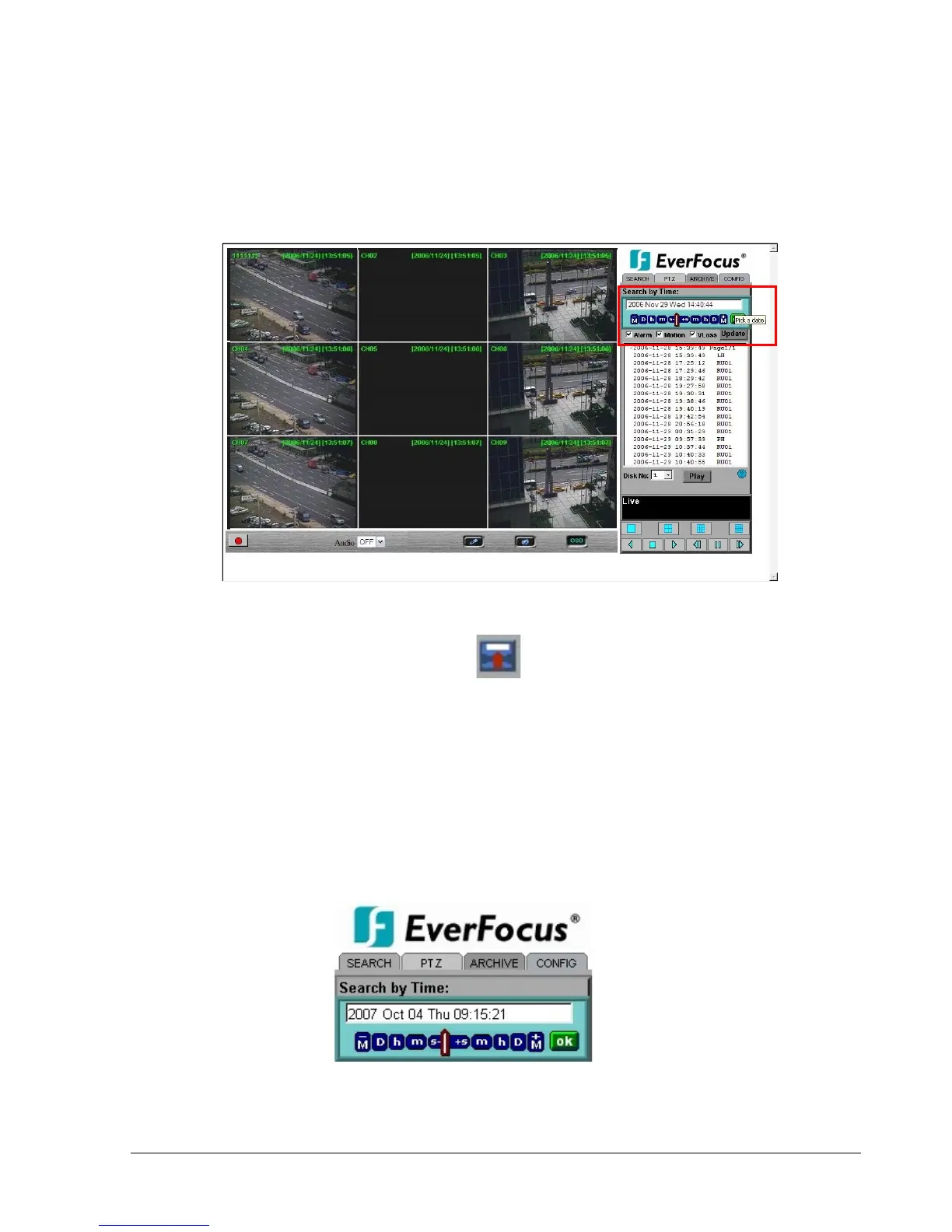
14.1.1 Search by TIME
There are 3 ways to do search by time. Press Pick a date first.
1. Press the M button to change the Month to be searched, D for day, h for hour, m for minute
and s for second. The buttons on the left-hand side are to decrease the value, whereas those
on the right-hand side are to increase the value.
2. Move the slide bar between the buttons to change Month, Day, Hour, Minute, and second to
be searched. Move the slide bar to the left to decrease the value, or to the right to increase the
value.
3. Enter Month, Day, Hour, Minute, and second directly in display bar.
Press OK to start searching.














 To Next Page